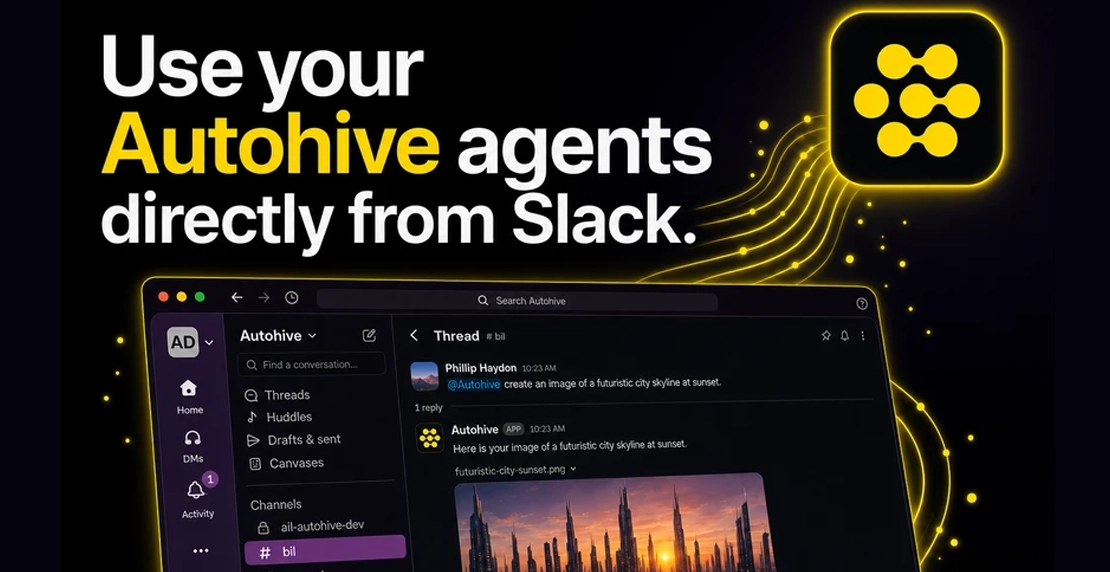
The widgets guide published earlier this year walks through how to put an Autohive agent onto a website as a chat bubble. Pick an agent, configure a widget, paste one script tag, and it shows up wherever you choose. Visitors can talk to it without an Autohive account.
That workflow is really about deployment: putting an agent onto a specific surface. The agent itself does not change. Where people can reach it does.
The same logic applies to every other tool in your business.
Why placement determines whether agents actually get used
Gartner predicts that 40% of enterprise applications will include task-specific AI agents by the end of 2026, up from fewer than 5% today. That number is climbing fast, and not just because enthusiasm for AI is growing. Companies are learning, sometimes the hard way, that agents deployed outside existing workflows don’t get used.
Research from Pylon found that context switching between applications can cut productivity by 40 to 60 percent. IBM has pointed out that autonomous AI systems need access to multiple apps, APIs, and real-time data to work well, and that friction builds fast when those systems sit outside your existing tools.
The pattern repeats everywhere. A standalone AI tool means a separate login, a separate window, a separate mental shift. Your team has to remember to use it. Most people won’t, not consistently enough to matter.
Put the agent inside the tool your team already has open, and that friction goes away.
Two types of surfaces
Autohive agents reach two broad categories of surface.
External surfaces are websites, customer portals, and partner sites. Widgets cover this. Your agent shows up wherever you place the script, no account required for visitors.
Internal surfaces are the tools your team uses every day: support platforms, CRMs, communication tools, project management, finance software. This is where integrations come in.
The agent powering a widget and the agent connected to an internal tool can be exactly the same agent. Its instructions, knowledge, tone, and capabilities don’t change. Only the delivery channel does.
What it looks like in practice: Gorgias
Autohive’s Gorgias integration is a concrete example of what embedding an agent into an internal tool actually means.
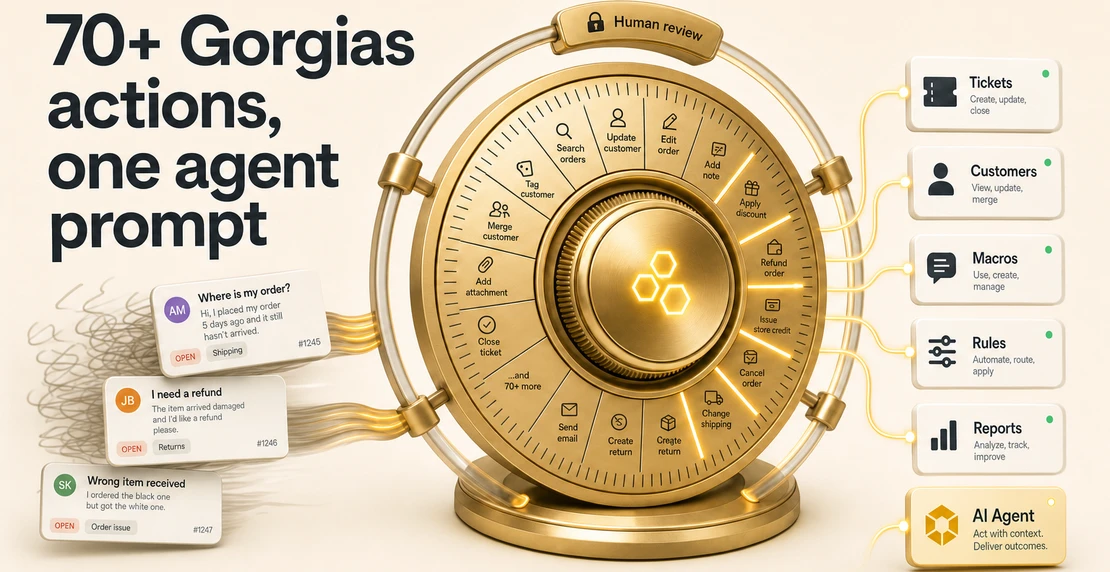
Gorgias is a helpdesk built for e-commerce. Connect an Autohive agent to it, and the agent gets direct access to tickets, macros, and reporting, alongside Gorgias’s own AI Agent. It can search tickets, reply to customers, add internal notes, close or escalate conversations, tag tickets, and chain those actions with Slack, Google Sheets, or HubSpot.
Nothing about your existing Gorgias setup changes. Ticket history, routing rules, and CSAT data stay exactly where they are. Autohive adds a layer on top rather than replacing what’s already working. Your team keeps working in the interface they know. The agent picks up more of the work that used to be manual.
The integration also applies prompt injection protection, so customer-written content inside tickets can’t redirect or manipulate the agent’s behavior. That matters when you’re giving an agent write access to a live helpdesk. The full Gorgias post covers this in more detail.
The same logic across 70+ integrations
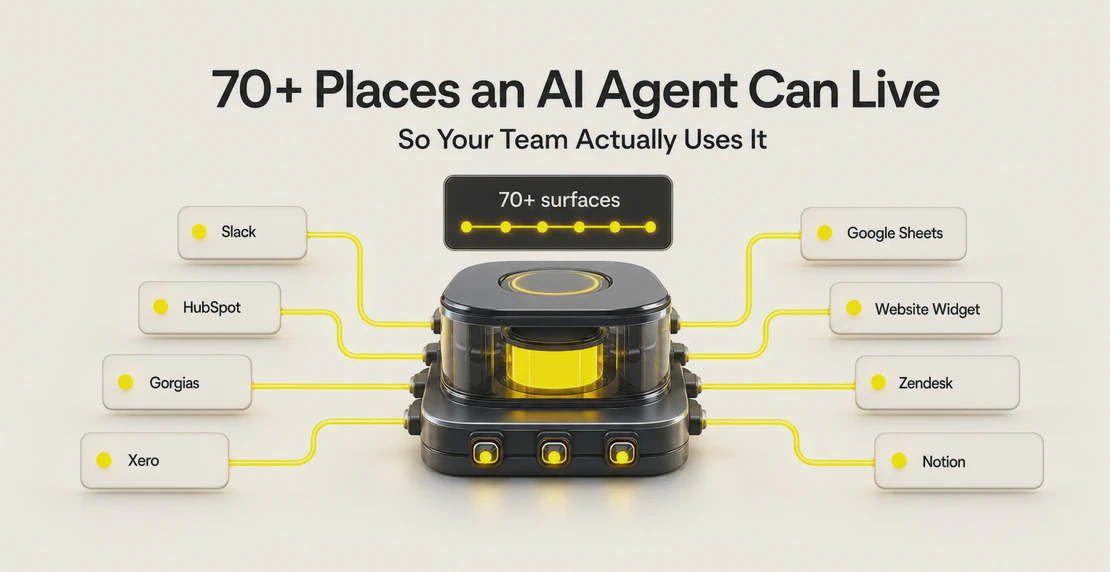
Gorgias is one example. Autohive has more than 70 integrations across support, CRMs, communication, project management, finance, analytics, marketing, and development.
A sales agent can work inside HubSpot. A finance agent can connect to Xero. We’ve written about using a Xero integration to automate invoice chasing if that’s a workflow your team currently handles by hand. Autohive is also live in the Xero App Store, so getting the two connected takes less setup than you’d expect.
These integrations aren’t read-only. In most cases, agents can take action: create records, send messages, trigger workflows, update fields. There’s a real difference between an agent that surfaces information and one that actually handles the task.
Get these right before you plug agents into production systems.
Permissions. When an agent connects to a platform, it works within the permissions of the account it authenticates through. Before pointing an agent at your CRM or helpdesk, decide what it should and shouldn’t be able to do, keeping in mind the principle of least privilege for AI agents. An agent with delete access carries a different risk profile than one scoped to read and write only. Set that deliberately. You can see how Autohive approaches this on our security page.
Data quality. Agents work with whatever data is already there. If your CRM has stale contacts, duplicate records, or inconsistent fields, the agent inherits all of it. If the inputs are messy, so is everything the agent produces. Before you expand what an agent can touch, audit your data quality to see what it will actually find.
Adoption. The biggest reason AI projects fail has less to do with the model or the configuration. It comes down to whether people encounter the agent naturally or have to go looking for it. Deploy agents where the work already happens. There’s more on why AI projects fall apart early here.
Where to start
If you’ve already deployed a widget, your external surfaces are covered. The next step is figuring out which internal tool causes your team the most friction right now.
If support tickets pile up, Gorgias is the obvious starting point. Sales reps logging activity by hand should look at a CRM integration instead. And if finance is manually chasing overdue invoices, Xero is worth connecting.
Pick one platform and one workflow. Connect an agent, watch what changes, then expand from there. If you’re starting from scratch, our guide to creating your first agent walks through the basics. The integrations page shows the full list of what’s available. Want agents working across multiple tools at once? The multi-agent setup guide covers how to configure agents that hand off tasks to each other across platforms.

Jono Nourse