Jono Nourse
- 12 Aug, 2026
AI Agents for Compliance: Use What's Ready, Build What Isn't
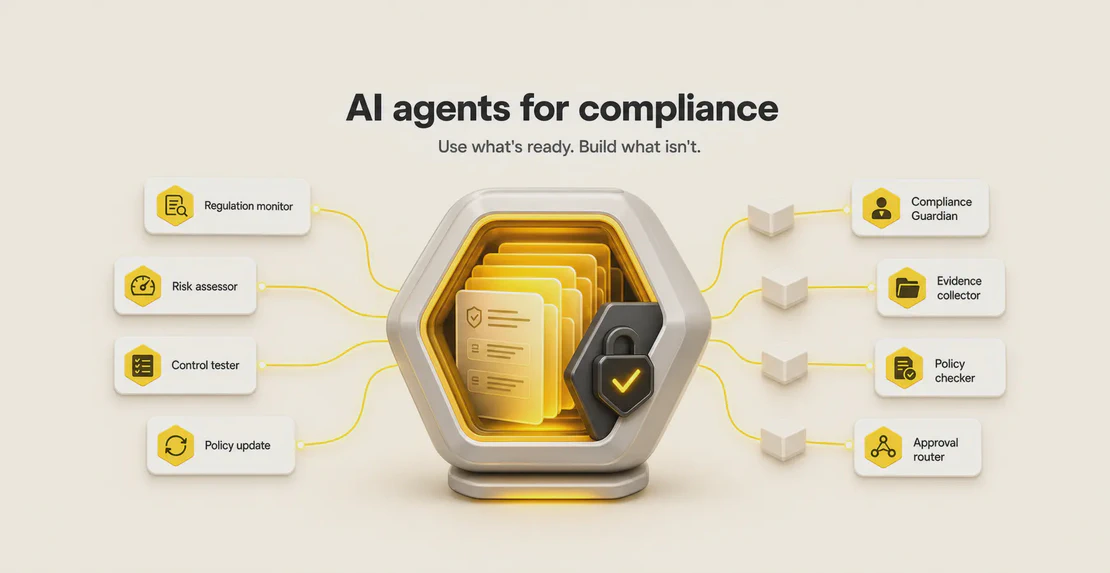
Compliance work often gets forced into rigid software or stalls out with chatbots that can't finish a task. This post shows how to use ready-made …
Read article
Jono Nourse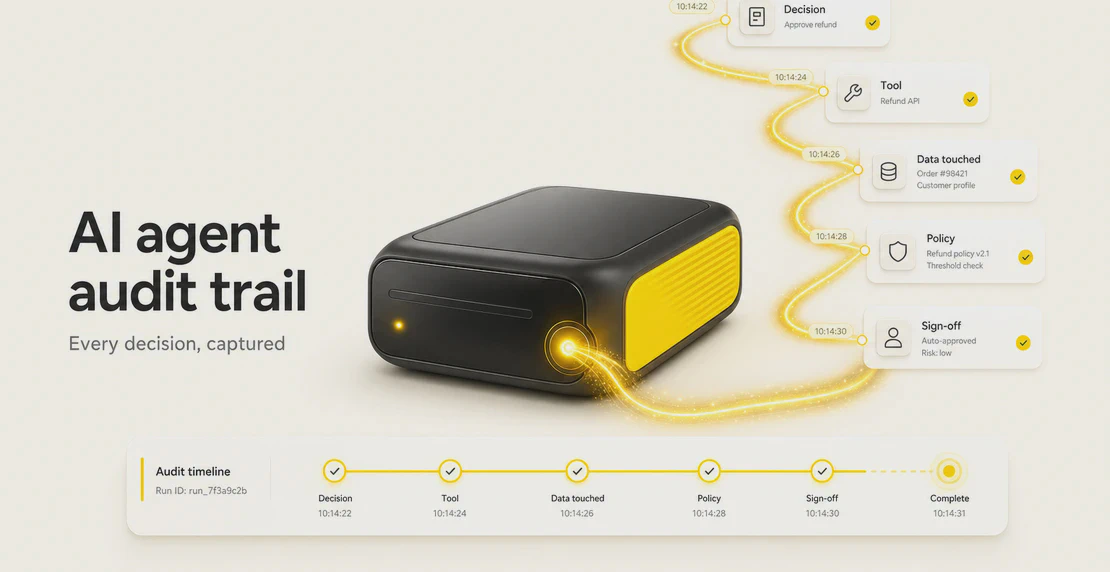
An AI agent did something in production yesterday. It picked a tool, read a customer record, sent a message, and moved on. If someone asked you to walk through exactly what it did and why, could you?
For a lot of teams, the honest answer is no. They have logs showing the agent ran and the request succeeded. What they don’t have is a record of the decisions the agent made along the way: which tool it chose, what data it touched, whether it stayed inside policy, and who signed off on anything sensitive.
That record is an AI agent audit trail. As more businesses move agents from demos into real workflows, it’s becoming the difference between an agent you can trust and one you’re hoping behaves.
An AI agent audit trail is a structured, queryable, tamper-evident record of every tool call, policy evaluation, data access, governance decision, and human intervention an agent makes. Done well, it holds enough context to reconstruct what happened and why, after the fact, without guesswork.
The key word is reconstruct. A good audit trail doesn’t just list events. It connects them into a sequence you can follow from the trigger through to the output, with identity, timing, and cause attached at each step.
These three terms get used interchangeably, and that’s part of why teams get caught out. They’re different things, built for different jobs.
| Raw logs | Audit logs | Audit trails | |
|---|---|---|---|
| What it is | System-generated event streams | Curated accountability events | End-to-end reconstructable sequences |
| Built for | Operations and debugging | Recording who did what | Proof, compliance, investigation |
| Answers | Did it run? How fast? | Did this action happen? | What happened, in what order, and why? |
Raw logs are operational evidence. They tell you a request came in, latency was fine, and nothing crashed. Audit logs curate that into accountability events worth keeping. An audit trail goes further and links those events together with identity, causality, policy context, and data lineage, so the whole chain holds up when someone needs to prove what occurred.
Optro’s audit trail vs audit log breakdown makes the same point: logs are for running a system, trails are for accounting for one.
The industry is still converging on standards here, but the guidance from teams like Collibra and Kognitos lines up closely. A complete agent audit trail should capture:
That last one matters more than it looks. If a record can be quietly edited, it can’t be used as evidence, and evidence is the whole point.
Infrastructure logging and application performance monitoring do a real job. They’ll tell you a request succeeded, how long it took, and whether an error was thrown. None of that tells you whether the agent made a good decision.
Standard logs won’t show you whether the agent chose the right tool, followed its instructions, pulled the correct context, respected policy, or exposed data it shouldn’t have. As Braintrust’s AI agent observability guide puts it, observability captures operational traces. Those traces help you debug. They aren’t the governed record you reach for when you need to trust, investigate, or prove.
The gap gets worse with agents, because an agent’s behavior is decision-driven. A slow API call is a performance problem. An agent that emailed the wrong customer or read a record it had no business reading is a governance problem, and your APM dashboard has nothing to say about it.
Cut past the theory and it comes down to a handful of questions you should be able to answer about any agent action:
If you can answer all six for an action that happened last week, you have real traceability. If you can’t, you have a blind spot, and blind spots are where the expensive incidents live: leaked data, a wrong customer communication, an agent used for something it was never sanctioned to do, or a multi-agent handoff nobody can see into. Armo’s minimum viable audit trail is a useful starting bar if you’re building toward this.
Two things are happening at once. Agents are handling more real work, and regulators are getting specific about what AI agent governance means in practice.
The EU AI Act requires logging and traceability for high-risk AI systems. HIPAA requires audit controls for electronic protected health information. SOX, PCI DSS, GDPR, FINRA guidance, ISO 42001, and the NIST AI RMF all push in the same direction: stronger evidence, clear identity, agent auditability, and human oversight you can demonstrate.
There’s a practical mismatch underneath this. Teams often keep operational logs for days or weeks, while compliance frameworks can require months or years of retained evidence. If an auditor asks about an agent decision from eight months ago and your logs rolled over in June, the record doesn’t exist. Waxell’s AI agent compliance guide covers this retention gap in more depth.
Multi-agent setups add another layer. When one agent hands off to another, you need parent-child trace propagation to reconstruct the chain. Without it, the handoff is invisible, and “the other agent did it” becomes an answer nobody can verify.
Autohive provides several tools that support governance and visibility. Each one does something different, and they map to different needs, so none of them should get sold as more than it is.
Plan-level Audit Log. Plan owners have an Audit Log that records who did what, when, and where across the plan: member name and email, a human-readable description of the action, a timestamp, and the workspace it happened in. Actions with no direct human actor show up under “System.” Owners can filter by workspace, member, and date range, and search by action text. This covers admin and governance events: member management, workspace changes, and system actions. It is not a granular, per-tool-call trace of everything an agent did inside a conversation, and you shouldn’t treat it as one.
Agent actions in the conversation thread. When an agent runs a tool or integration action during a chat, that step appears in the thread in real time. You can see which tools it called and what each one did, step by step. In multi-agent workflows, the thread shows how each agent contributed. This gives you strong in-the-moment visibility, but it’s live thread history, not a separate queryable, tamper-evident audit store. Keep that distinction in mind for compliance purposes.
Approval requests. For actions that need human sign-off, Autohive supports approval requests. Reviewers get a mobile push notification with the workspace name, tool name, and action description, plus an in-app action box in the sidebar to approve or reject. This puts a human checkpoint in front of sensitive actions and creates a clear record of who decided what.
Scheduled job logs. Scheduled jobs have a logs panel that shows progress in real time as the job runs. Completed runs can be reviewed through that panel, which opens the agent chat and its output. Job history is retained for as long as the job exists.
Integration actions. Calls to integrations like Slack, Notion, GitHub, HubSpot, Google Sheets, Gmail, and 80+ others show up in the conversation thread, run within the permissions you’ve configured for each agent, and can be gated behind approvals.
Access control. Autohive uses Owner, Manager, and Member roles. Owners can enforce 2FA across a plan, sessions are validated server-side and expire after inactivity, and personal and workspace folders have separate permission scopes. More detail lives in Autohive’s security documentation.
Put together, these give a team real visibility into what agents are doing and a human gate on the risky actions. If your requirements run to formal, tamper-evident, long-retention audit trails for high-risk regulated systems, treat the Autohive Audit Log as the governance-event record it is, and pair it with the thread visibility, approvals, and job logs for the operational picture.
Set the frameworks aside and ask a simpler question about your own setup. If one of your agents made a mistake today, could you reconstruct what happened?
Run the six checks:
Every “yes” is traceability you already have. Every “no” is a question you don’t want to be answering for the first time during an incident. Start there, close the gaps that matter most for your risk, and build the record before you need it, not after.

Written by
Jono is the Marketing Operations Lead at Autohive, bridging the gap between commercial strategy and AI-powered execution. With a passion for building systems that scale, he brings structure to complexity and turns marketing activity into measurable …
Jono NourseCompliance work often gets forced into rigid software or stalls out with chatbots that can't finish a task. This post shows how to use ready-made …
Read article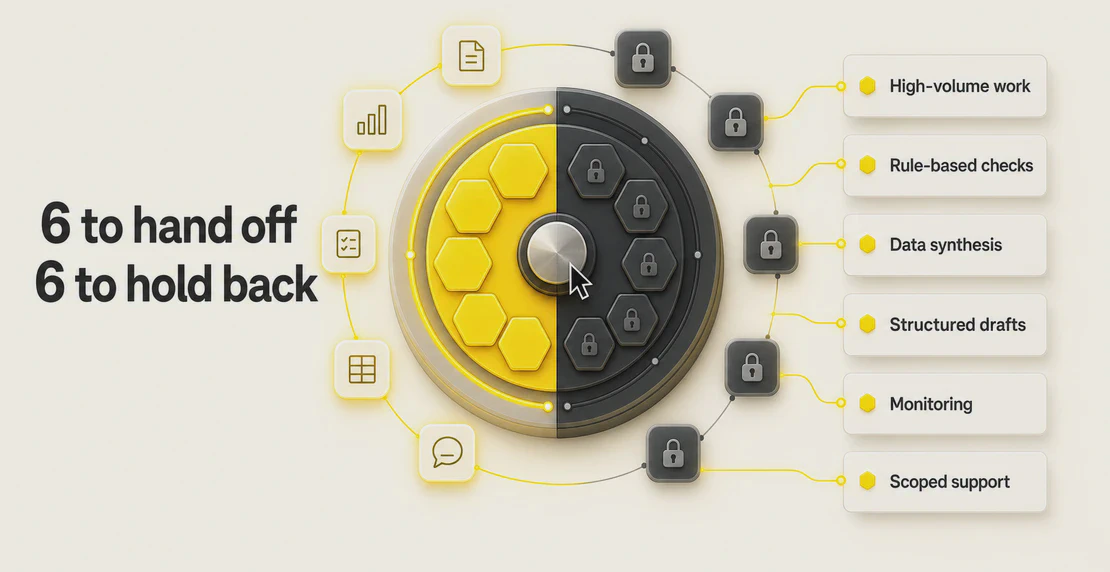 Jono Nourse
AI agents can handle rule-based decisions and repetitive busywork, but hiring calls and ethical judgment still belong to people. This post maps out …
Read article