Compliance teams have two bad options and one good one.
Option one is a generic AI chatbot that knows nothing about your control framework, your regulator, or the way your team actually collects evidence. It writes a nice paragraph and stops there.
Option two is rigid compliance software that forces your process into someone else’s template. You bend your controls to fit the tool, pay for modules you don’t use, and still export everything to a spreadsheet at audit time.
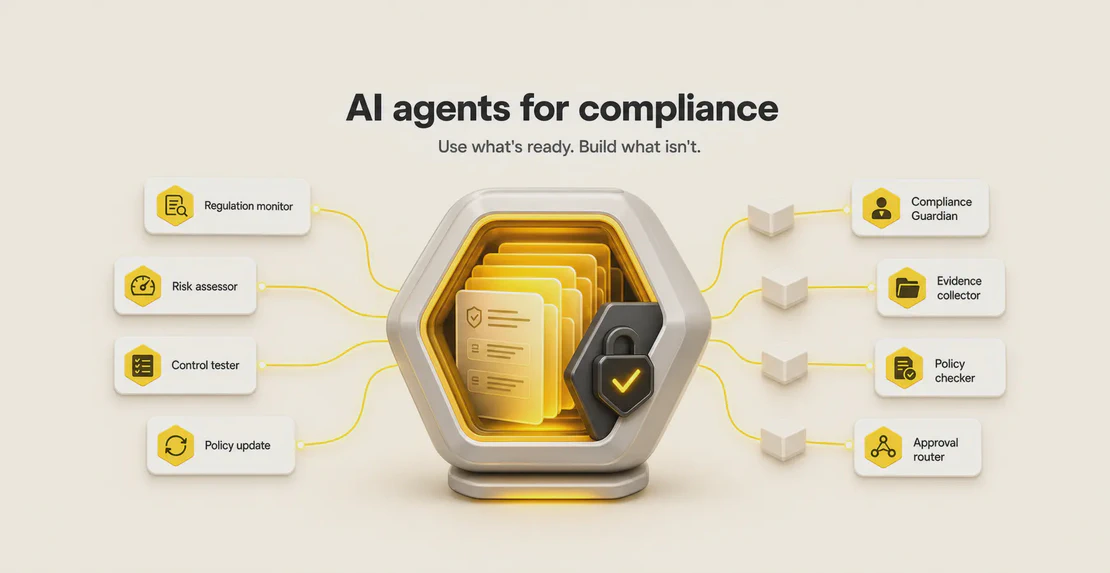
The third option is the one this post is about: AI agents for compliance that do multi-step work on your terms. Pick ready-made agents from the Autohive Marketplace where they fit, and build your own around your exact policies, approval paths, and audit evidence where they don’t. Both live in the same place.
What an AI agent for compliance actually does
A chatbot answers a question. An agent completes a task.
For a compliance team, that task is usually a chain of steps: read a policy, check it against a regulation, pull the relevant evidence, flag the gaps, route the result to the right person, and log what happened. AI agents for compliance handle work like:
- Policy checks and regulatory mapping so a control links back to the rule it satisfies
- Document review across contracts, RFPs, and internal policies
- Automated audit evidence collection from the systems where the evidence already lives
- Continuous compliance monitoring and exception detection so problems surface before an auditor finds them
- Regulatory change monitoring that watches for updates instead of waiting for someone to notice
- Workflow routing and approvals so the right reviewer sees the right item
- Risk assessment and reporting pulled together from real data rather than assembled by hand
The point is the sequence. One prompt doesn’t close an audit finding. A set of connected steps, run reliably and logged, gets you closer.
Why the manual approach keeps breaking
The volume and complexity of compliance requirements keep climbing, and most teams are still holding it together with spreadsheets, scattered systems, and manual documentation. Research from PwC’s global compliance cost survey and compliance statistics from Secureframe point at the same pressure points: growing regulatory load, fragmented data, thin staffing, and rising audit costs.
The time drain is predictable. Audit prep eats weeks. Evidence collection means chasing screenshots and exports from a dozen tools. Tracking regulatory change is a manual reading exercise nobody has time for. Policy updates lag behind the rules they’re meant to reflect. None of this is hard in the intellectual sense. It’s just repetitive, high-stakes, and easy to fall behind on.
That combination, repetitive plus high-stakes, is exactly where compliance automation and automated compliance monitoring earn their keep. The catch is that generic automation tends to solve the easy 60% and leave the parts that actually matter to your regulator untouched.
Start with Autohive Marketplace agents where they fit
You don’t have to build from scratch to get value on day one. The Autohive Marketplace has agents built for common compliance jobs.
Compliance Guardian scans federal, state, and local requirements for a chosen industry and location, identifies common violations and the penalties attached to them, and turns that into a checklist. Put it on a schedule and it becomes a standing regulatory monitoring job rather than a one-off search.
RFP Compliance Matrix reads RFP, RFQ, RFI, and tender documents and produces a compliance matrix, a list of mandatory gates, an evidence gap analysis, and a bid or no-bid snapshot. It won’t invent claims you can’t support, and it flags anything missing or unreadable instead of papering over it. For document review and bid compliance, that discipline matters more than speed.
AI Guidelines Document Creator helps you write internal AI usage and data governance guidelines, which is fast becoming its own compliance workstream as regulators sharpen their expectations.
NZ HR Regulation Assistant answers HR compliance questions against New Zealand employment law, flags legislative changes, and drafts HR documents. It’s a good example of how narrow and jurisdiction-specific a useful agent can be.
Use these where they match your need. When your process is more specific than any off-the-shelf agent can handle, and for real compliance work it usually is, build your own.
Build your own AI agents for compliance, no code required
This is the core of it: your compliance team knows your process better than any engineering team or software vendor does. You know which control maps to which clause, which exception needs a second signature, how your evidence is structured, and where your regulator draws its lines. That knowledge is the hard part. Turning it into a working agent should not require a developer.
In Autohive it doesn’t. You create a custom compliance agent by making a new agent, choosing a model, writing plain-language instructions, connecting the integrations it needs, and attaching your knowledge files. If you’re new to Autohive, the guide to creating your first agent is the place to start. From there, the guide to building a custom agent walks through the compliance-specific setup, and the Agent Creator gets you a working first version fast.
A custom agent reflects your reality: your regulator, your risk appetite, your control framework, your escalation rules, your audit process. That’s the difference between an agent that produces something plausible and one that produces something you can put in front of an auditor.
Technical teams can go further. Precise instructions, tool chaining, MCP server registration, and integrations like Supabase and BigQuery let you connect regulated systems, government data sources, custom APIs, and internal databases directly. If you want the detail on that, the MCP explainer covers how to find and connect servers.
Chain agents into real workflows
Single agents are useful. Chained multi-agent workflows are where audit prep and monitoring stop being manual. A workflow in Autohive can connect agents, web scrapers, database lookups, spreadsheet updates, emails, and Slack notifications into one running process.
A practical version for evidence collection: an agent pulls records from the source systems, a second checks them against your control list, a spreadsheet gets updated, and a Slack message tells the owner what’s still missing. The multi-agent setup guide shows how to assemble specialists rather than asking one agent to do everything.
Put it on a schedule
Compliance work is rarely one-and-done. Scheduling lets an agent run hourly, daily, weekly, monthly, or on custom timing, so regulatory monitoring and recurring checks happen without anyone remembering to trigger them. Pair that with the guidance on automating recurring jobs and audit evidence collection becomes a standing routine instead of a quarterly scramble.
Connect the data where it lives
Agents are only as good as their access to real information. Autohive integrations cover Google Drive, Microsoft 365, Box, Dropbox, Slack, Teams, Gmail, Google Sheets, Excel, BigQuery, Looker, Power BI, Notion, Jira, Asana, ClickUp, Trello, Xero, Stripe, FirstAML, the Companies Register API, and MCP. Some connect at the plan level and some at the workspace level, and the integrations overview lays out which is which before you connect anything touching regulated data. For evidence and document storage, the managing content guide covers how knowledge files and stored documents feed your agents.
The guardrails that make this safe for regulated work
An agent that touches compliance needs limits. This is the part generic tools get wrong and the part regulators care about most.
Frameworks like the NIST AI Risk Management Framework, the EU AI Act, and the FSB’s guidance on responsible AI adoption all circle the same requirements: explainability, scoped permissions, audit trails, human oversight for consequential actions, and clear accountability for what the system does. Industry writing on explainability in agentic AI and oversight patterns for regulated industries lands in the same place. The practical checklist looks like this:
- Scoped access. An agent should only reach the systems and data its job requires, and nothing else.
- Audit trails. Every action needs a record: who did what, when, and to which workspace.
- Human review for consequential decisions. An agent can prepare, draft, and flag. A person signs off on anything that carries regulatory weight.
- Guarded output. Agents should flag missing or unreadable inputs rather than filling gaps with guesses. Hallucinated evidence is worse than no evidence.
Autohive supports this in a few concrete ways. Keeping a human in the loop happens through team collaboration rather than a rigid gate: you can @mention colleagues, review agent output together in shared threads, route items through workflows, and get notifications when something needs eyes on it. The team collaboration guide covers how review and sign-off work in practice.
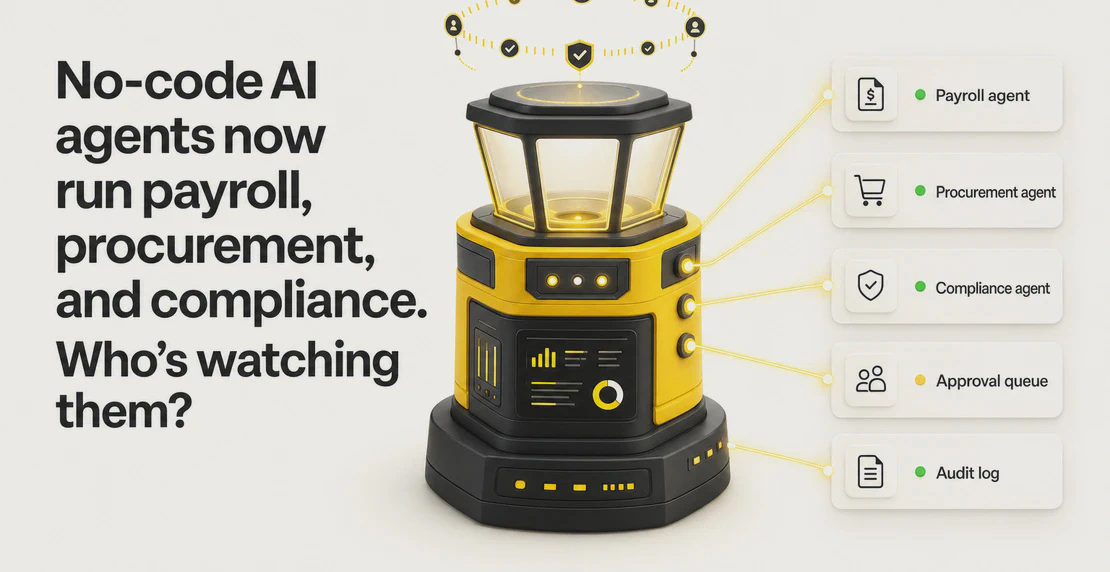
The Audit Log captures who performed each action, a description of it, the timestamp, the workspace affected, and system actions, and it’s filterable and searchable. Role-based access control governs plan, workspace, agent, and integration access, so an agent and the people running it only touch what they should.
Trust and security
For regulated teams the security posture is part of the buying decision, so here it is plainly. Autohive covers GDPR, CCPA, and HIPAA with a BAA available, holds CASA Tier 2, encrypts data with AES-256 at rest and TLS 1.2 or higher in transit, and does not use customer data to train third-party models. The architecture is zero-knowledge, 2FA is plan-enforced, hosting is on AWS with VPC isolation, and SOC 2 Type II is in progress.
That last one is worth stating clearly rather than dressing up: SOC 2 Type II is underway, not yet complete. The full picture, including how RBAC, audit logs, 2FA, and data isolation fit together, lives on the security page and in the security and compliance docs. The privacy policy covers how your data is handled in more detail.
Where to start
If you want a quick win, open the Autohive Marketplace and try Compliance Guardian or the RFP Compliance Matrix against something real. If you’re brand new to Autohive, the quickstart guide gets you oriented first. If you already know a process no off-the-shelf tool captures, and most compliance teams do, build a custom agent around it with the Agent Creator.
The teams who get the most out of this are the ones closest to the rules. You already hold the hard knowledge. Autohive is where you turn it into agents that do the work, on a schedule, with the access controls and audit trail your regulator expects.

Jono Nourse