Jono Nourse
- 03 Aug, 2026
Building AI Skills Shouldn't Require an Engineer
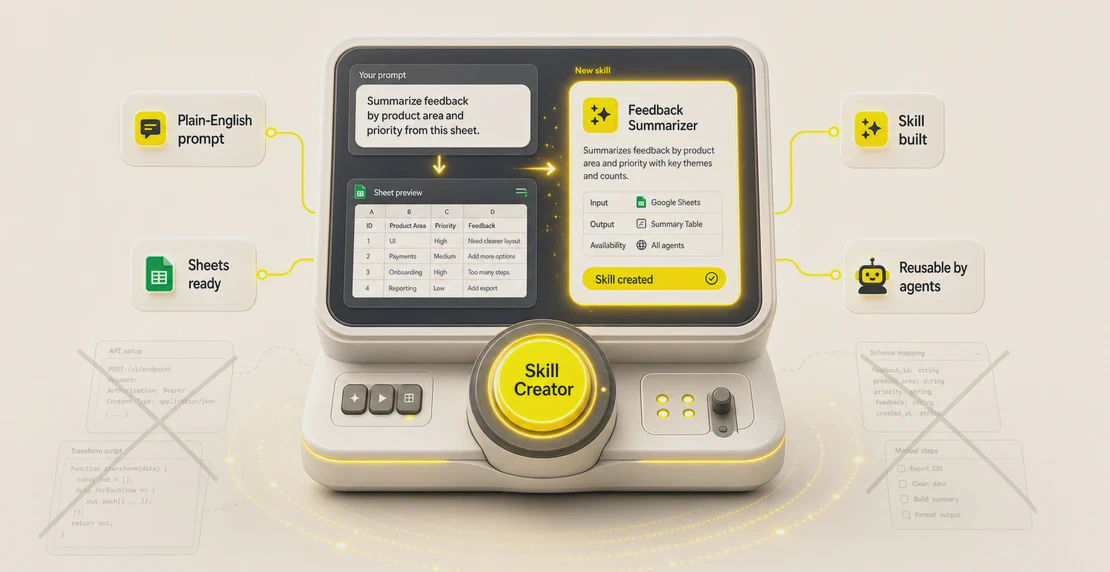
A team member spent three hours manually building a Google Sheets skill before Skill Creator did the same job in minutes, from a plain-language …
Read article
Jono Nourse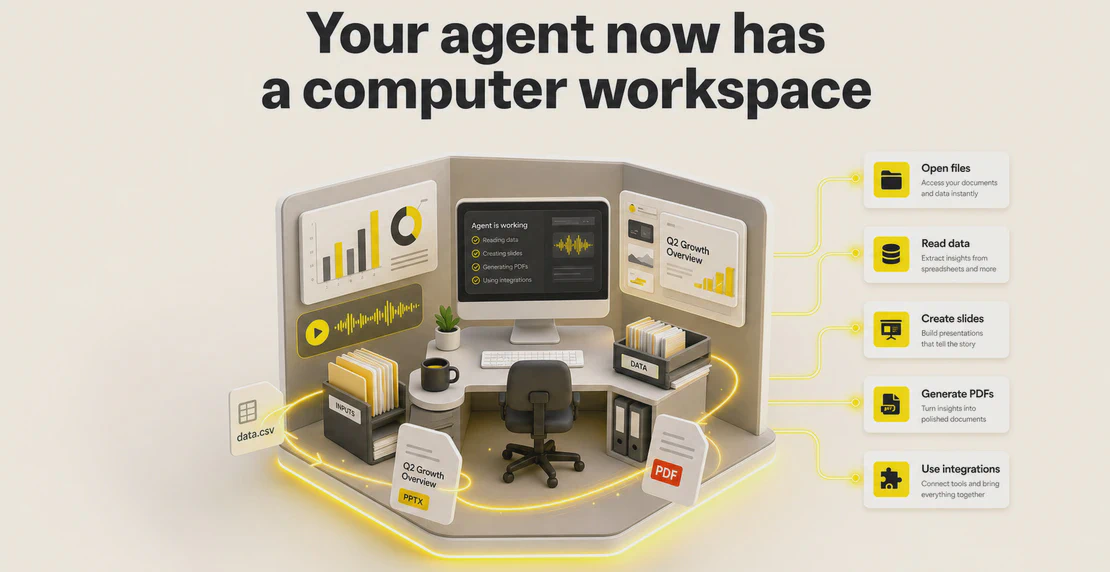
Most people have used a chatbot. Fewer have used an AI agent. Fewer still could explain the difference between a chatbot and an agent. That gap matters right now: Autohive just shipped an update that changes what agents can do with your files. Before we get into it, it helps to know what an agent actually is.
So we sat down with Reilly, an engineer at Autohive, and asked him to explain it in plain terms. Below is that conversation, lightly edited for length. Short version: your agent now has its own computer workspace. It can open files directly and turn your data into things like presentations and PDFs. It’s live now. If you’re logged into Autohive, your agents are already using it.
Let’s start simple. What is an AI agent?
Think of it like ChatGPT, but with the ability to actually do things. A plain chatbot talks. An agent acts. Give it access to your email, your data, or a task, and it goes and handles it for you.
And the new thing you’ve been building?
We gave each agent its own small computer. Anything you’d do on your own laptop, the agent can now do on its own machine.
What does that mean in practice? What can an agent do now that it couldn’t before?
Agents can build a lot more now. PDFs, presentations, whatever output you need, it just works better. And it handles whatever files you throw at it more reliably.
If I’m an Autohive customer and I log in, what looks different?
The screen looks about the same. What’s changed is the agent behind it, smarter and faster at getting through the work.
Can you show us a real example?
I took a generic agent and gave it my Spotify listening data. Spotify lets you export your listening history as a ZIP file full of smaller files. I uploaded it and said, “Show me some interesting stuff about my music taste.”
The agent opened the ZIP, read through every file inside, and built a genuinely good presentation. It covered about ten years of listening history and pulled out deep cuts I’d forgotten about. I ended up showing it to my coworkers.
How would that have gone before this update?
Agents used to struggle with that kind of request. A ZIP file alone was a problem. You’d have needed a separate code analysis tool just to get the agent to read inside it, and even then, it might not have worked cleanly.
Now the agent handles all of that itself. It opens the ZIP, works through your data, and answers your questions in a more natural way. You don’t need to do that setup work by hand anymore.
Why is this an upgrade rather than just a change?
Compare it to how you work. You have a laptop or desktop, that’s where you open files, write documents, build a slide deck. Agents on Autohive didn’t really have that before. Now they do. They can do on their computer the kinds of things you’d do on yours.
Are there limits? File types, sizes, anything you can’t put through?
There are no hard limits on the files an agent can work with. It should handle any file type and adapt to whatever oddities show up in your data. One caveat: giving an agent its own computer workspace makes it far better at handling files and building outputs. That doesn’t mean it can suddenly do every task a computer can do. Think of it as a big step up for real work with your files and documents. General computer use is still a separate problem.
When does this launch?
It’s already here. Log into Autohive right now and your agents are using it.
What’s next? Anything to look forward to?
A couple of things. We’re improving how outputs get built, so it’s easier to get images and other media into them and so shared outputs display that media properly. We’re also working on letting the agent’s computer use the integrations you’ve already connected, things like GitHub or HubSpot, so it can pull them directly into its work.
If someone has questions or wants to reach out, how do they find you?
Email support@autohive.com, or use the feedback agent inside Autohive. We read it.
If you’re new to all this, hold onto one idea: an autonomous AI agent is a chatbot that can act, and now it has its own computer to act on. Upload a messy ZIP of data, ask a plain-English question, and get back something you can use, like a presentation or a PDF. No extra setup required.
It’s live in Autohive today. The next time you hand your agent a pile of files, it’s better equipped to make sense of them.

Written by
Jono is the Marketing Operations Lead at Autohive, bridging the gap between commercial strategy and AI-powered execution. With a passion for building systems that scale, he brings structure to complexity and turns marketing activity into measurable …
Jono NourseA team member spent three hours manually building a Google Sheets skill before Skill Creator did the same job in minutes, from a plain-language …
Read article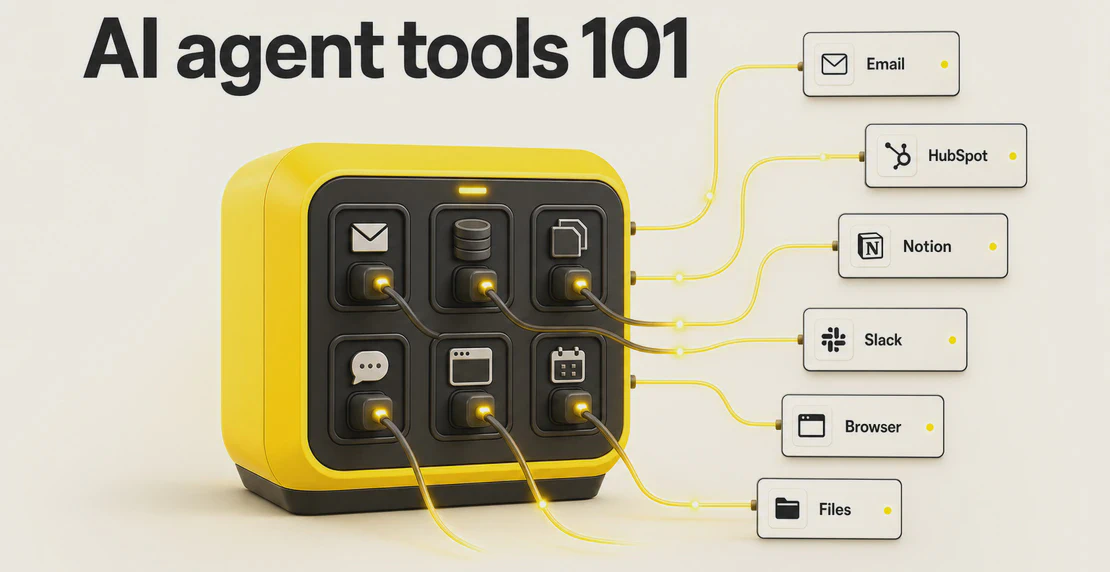 Jono Nourse
This guide breaks down what AI agent tools are, the main categories, and how Autohive implements them as integrations and actions. It also covers …
Read article