Xero featured Autohive in their New and Noteworthy collection this month. Good recognition, especially this early on. The more interesting question is what Autohive is doing in a business accounting platform in the first place.
Every business running Xero carries a cost that rarely shows up in the accountant’s report: the hours your team loses to finance admin that a machine should be doing. Chasing invoices, pulling reports, copying numbers between systems, attaching receipts, keeping the books in sync with the rest of the business. The work is predictable and repetitive, which makes it well suited to automation. The tools to do it properly have only recently existed.
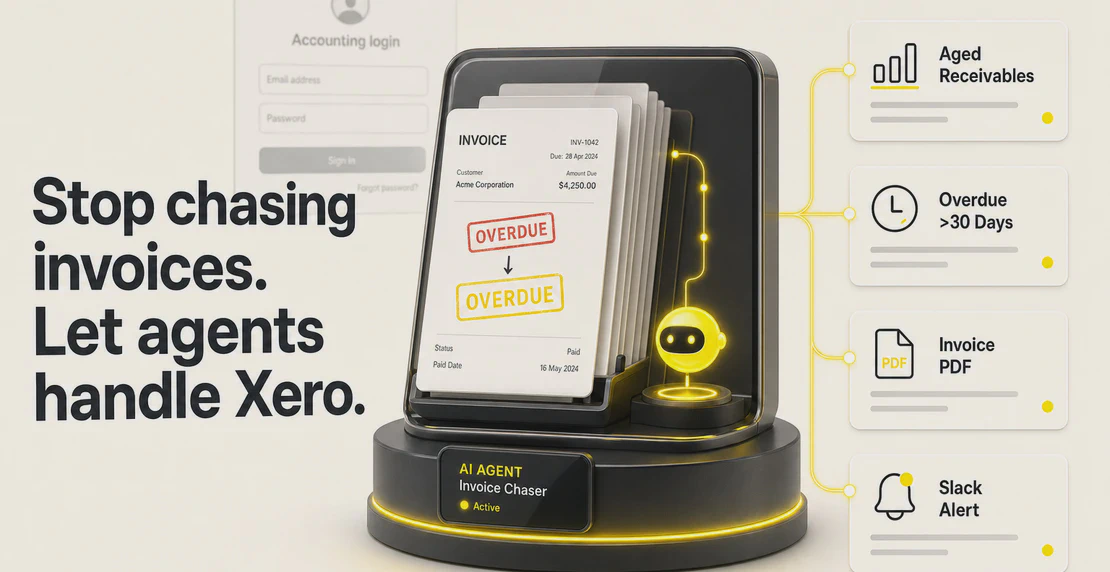
Autohive builds no-code AI agents that take over exactly that work. Connect Xero, and an agent can raise an invoice, pull a live Profit & Loss, attach a receipt, and route the output wherever it needs to go, without anyone opening Xero. The admin runs in the background, and the operator gets their time back.
That’s why Autohive is there. Below is what the New and Noteworthy listing means in practice, and what’s available to automate once Xero is connected.
What it means to be New & Noteworthy
Xero’s App Store serves more than 4.9 million businesses across 180 countries. Apps don’t just appear there. Each one goes through a Xero App Store certification process, and the New and Noteworthy collection is a separate curation run by Xero’s Platform Marketing team. It highlights recently certified apps that Xero considers genuinely useful to its customers, including the accountants and bookkeepers who advise those businesses.
The placement gives Autohive homepage visibility in the App Store and a badge on the listing. More practically, it puts Autohive in front of people actively looking for better ways to work inside Xero. For a platform still new to the Xero ecosystem, it’s a useful starting point.
What you can do with Autohive connected to Xero
Research from Stanford’s Graduate School of Business on AI and accounting found that accountants using AI close monthly statements faster and spend significantly less time on routine back-office processing. That gap exists in most Xero businesses today. If you want to understand why most AI automation projects stall before they get there, this post covers the common reasons.
Connect Autohive to your Xero account using OAuth 2.0, and your agents can act on your data without you opening Xero. Here’s what’s available:
Invoices and bills
- Create and update sales invoices and purchase bills
- Retrieve invoices as PDFs
- Filter invoices and bills by status, date range, contact, or amount
- Attach receipts and supporting files directly to invoices and bills
- Retrieve and download attachments linked to invoices, bills, or bank transactions
Financial reports
- Pull Profit & Loss, Balance Sheet, Trial Balance, Aged Payables, and Aged Receivables reports on demand
- Request any of those reports in plain language without logging into Xero
Purchase orders
- Create, update, and delete purchase orders
- Find contacts by name
- Retrieve contact details including email address and physical address
Transactions and accounts
- Pull bank transactions for non-invoice spend
- Access Xero account classifications
Multiple organizations
- Manage multiple Xero organizations from a single Autohive workspace
What that looks like in practice
Weekly finance reports, delivered automatically
Set up a scheduled agent that runs every Monday morning, pulls your Profit & Loss and Aged Receivables reports from Xero, and posts a summary to your Slack or Microsoft Teams channel. Your team starts the week with current numbers, and nobody has to log into Xero or format a report.
How to set up scheduled agents
A closed deal becomes a sent invoice
When a deal closes in HubSpot, an Autohive workflow creates the invoice in Xero and sends it to the client through Gmail or Microsoft 365. The time between closing and invoicing drops to seconds, and nobody enters the data by hand.
How to build workflows
Time tracked, billed automatically
If your team logs hours in Harvest, Autohive can take that time data and push it into Xero as billable invoices. Billing turns into a background process instead of a task someone has to remember at the end of the week.
Stripe payments reconciled against Xero
Match Stripe payments against Xero bank transactions automatically. Books stay current without manual reconciliation at month end.
Live reporting in Google Sheets
Pull Xero data into a Google Sheet on a schedule and build a financial reporting sheet that updates itself. No manual exports, no copy-paste errors.
Finance dashboards in Power BI or Looker
Feed Xero data directly into Power BI or Looker so dashboards stay current without anyone refreshing them by hand.
These are six examples. Autohive connects to more than 140 integrations, so most finance and ops stacks are already covered. See all integrations.
Who gets the most out of this
Accounting and finance teams handling high invoice volumes, regular reporting cycles, and document management at scale. Agents take on the routine work so the team can focus on review, analysis, and the decisions that actually need a person.
Small and medium business owners who manage their own finances but don’t want to live inside Xero. An agent can surface what they need and act on their behalf.
Professional services firms with complex client billing, multiple active projects, and detailed time-to-invoice requirements. Autohive handles the billing mechanics. The team handles the actual work.
Operations and customer service teams that regularly need billing data fast, whether to answer a client question or verify a purchase order, without waiting on finance to run a report.
Getting started
Autohive has a free tier, so you can connect your Xero account and build your first agent without a paid subscription. See pricing.


Jono Nourse