Jono Nourse
- 03 Aug, 2026
Building AI Skills Shouldn't Require an Engineer
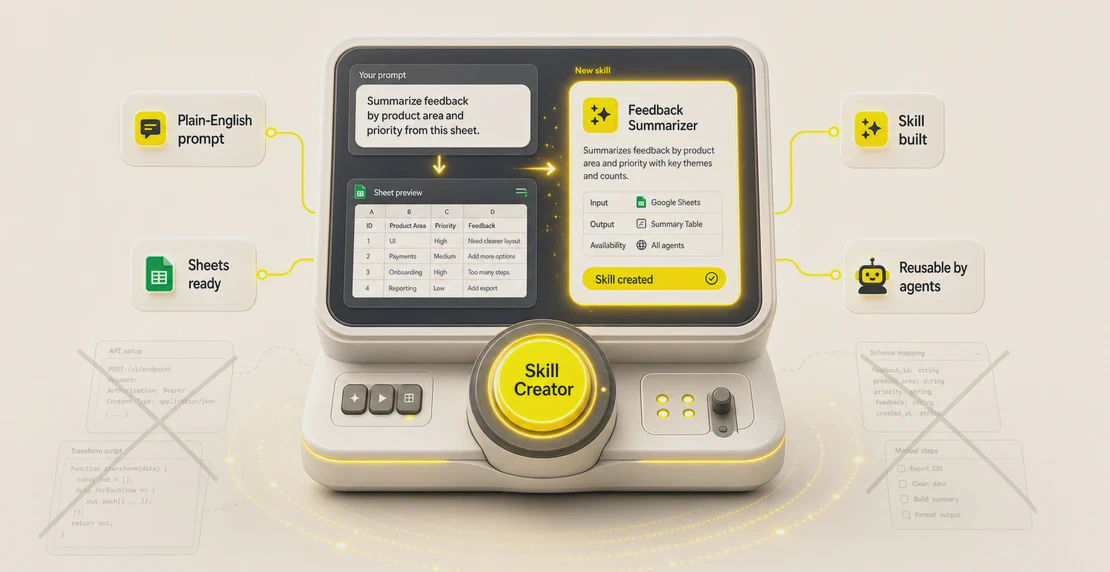
A team member spent three hours manually building a Google Sheets skill before Skill Creator did the same job in minutes, from a plain-language …
Read article
Jono Nourse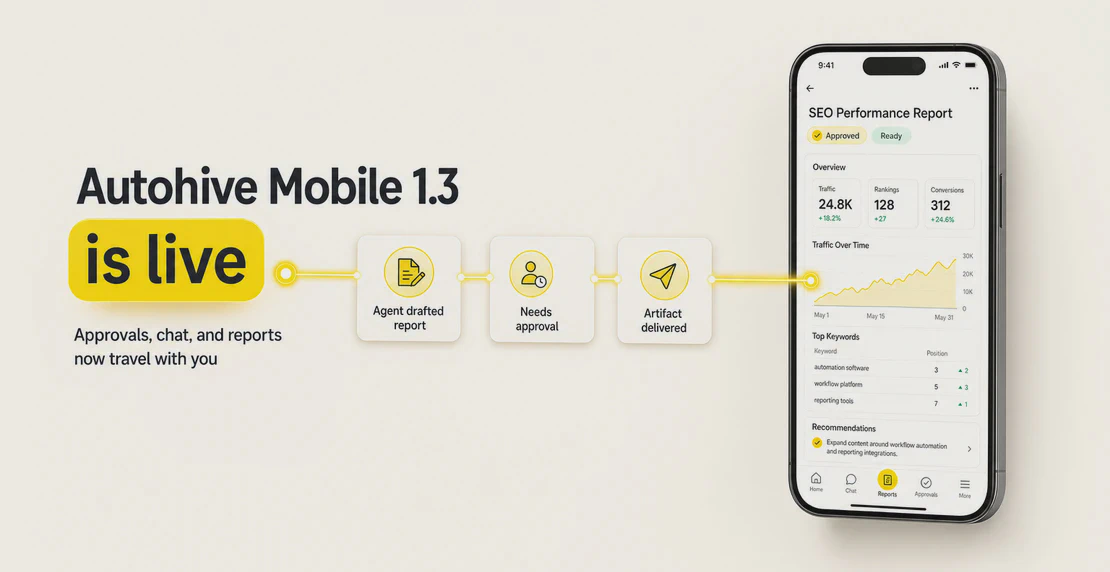
The work doesn’t wait until you’re back at your desk, and now Autohive doesn’t either.
Your agents keep running while you’re in a meeting, walking to lunch, sitting on the train, or heading home. They pull the data, write the report, prep the brief, chase the next step. The work gets done whether your laptop is open or not.
That used to create a gap. Your agent could finish the job, but you still had to be back at a computer to read the output properly, approve the next action, or bring another agent into the conversation.
Autohive mobile 1.3 closes that gap.
The latest update brings the mobile app closer to the web experience, with @mentions, chat-list filtering, a cleaner view of each agent step, mobile approvals, and a proper artifact viewer for the reports and documents your agents produce.
Desktop still matters. B2B software work is usually built there for a reason. Desktop accounts for 69.5% of SaaS website traffic (Contentsquare), and B2B SaaS buyers convert at roughly 2 to 4 times the rate on desktop compared to mobile. DigitalApplied’s 2026 benchmarks put the gap at 4.13% on desktop against 1.72% on mobile, the widest split in their dataset.
Building on Autohive follows the same pattern. You configure a workflow, set a schedule, connect integrations, wire up a multi-agent pipeline. That work belongs in a browser.
But the finished work shouldn’t be trapped there.
76% of users switch between mobile and desktop to complete a single task (Go-Globe). For B2B workers, that switching is already routine: 73% of decision makers research on a phone at some point, and 67% of B2B purchases touch multiple devices before anyone signs off (Salesforce, via Brixon Group).
The desk is where the work gets built. The phone is where the rest of the day happens.
Autohive is now ready for both.
The Action Box surfaces pending approvals across all your workspaces. When an agent in a multi-agent workflow hits a decision that needs a human call, the request lands on your phone.
A notification routes you straight to it, so you’re not opening the app cold and hunting through workspaces. Approve or decline it without sitting back down.
That matters because a five-second decision can hold up an hour of agent work. Now it doesn’t have to.
Real-time chat runs on mobile. Follow up with an agent mid-task, start something new, or pull another agent into the thread with the @mention picker.
You can filter your conversation list by name, attach a photo or file from your device, and keep working with the team collaboration features you already use on desktop.
Push routing connects the notification to the right conversation. Direct messages on Autohive trigger a push that opens the thread directly, and @mentions inside agent conversations do the same. Sender avatars appear in the notification itself, so you know who’s reaching out before you tap.
When the work reaches you, so does the conversation around it.
The cleaner step view also makes it easier to follow what your agents are doing. You can see the work unfold, not just wait for the final answer.
This is the part that changes how mobile fits into Autohive.
When an agent finishes a substantial piece of work, an SEO audit, a content brief, a competitive analysis, a client-ready document, the output lands in the artifact viewer. On desktop, you read it there. On mobile, you read it there too.
Xero featured Autohive in their New & Noteworthy apps this month. Finance admin is a clear example of the work agents take on: every operator on Xero loses hours to tasks a machine should handle, chasing invoices, pulling reports, copying numbers between systems so the books stay straight.
Connect Xero and an agent does it. It raises the invoice, pulls a live P&L, attaches the receipt, routes the document. That finished output lands in the artifact viewer. On mobile, it’s in your pocket when the agent’s done.
Before this, that output sat on a screen you weren’t in front of. Your agent ran the weekly report, finished at 9am, and if you weren’t at your desk, it waited until you were. The work was done. You just couldn’t get to it.
Open the app and the artifact is there, formatted and ready to read. A version picker lets you compare it against the last run. You read the finished work wherever you are.
Desktop is still where you build. Mobile is where the finished work finds you.

Written by
Jono is the Marketing Operations Lead at Autohive, bridging the gap between commercial strategy and AI-powered execution. With a passion for building systems that scale, he brings structure to complexity and turns marketing activity into measurable …
Jono NourseA team member spent three hours manually building a Google Sheets skill before Skill Creator did the same job in minutes, from a plain-language …
Read article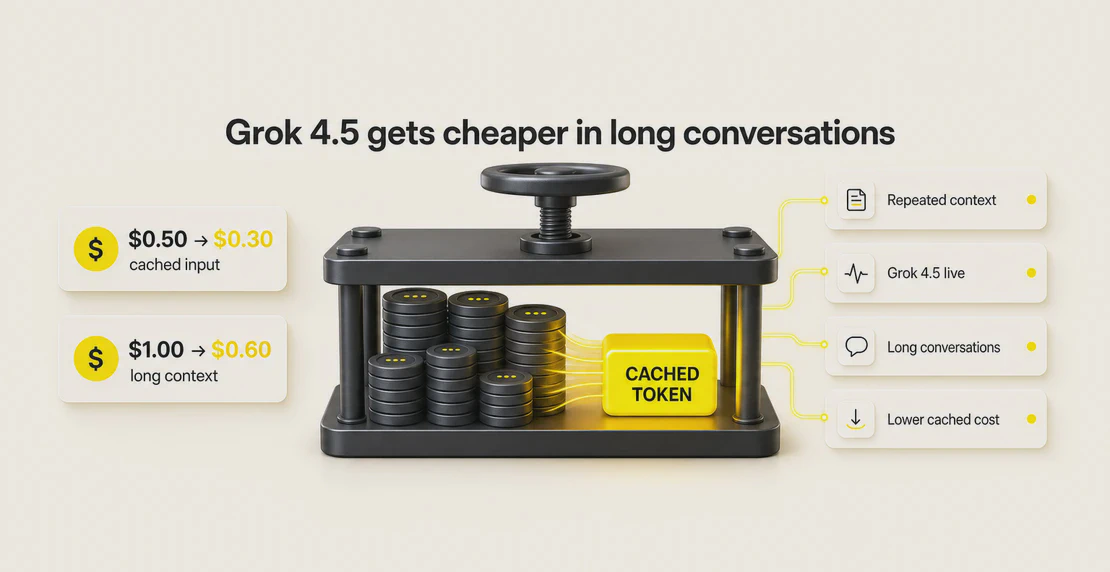 Jono Nourse
xAI reduced Grok 4.5 cached input pricing by 40%. Standard context cached input dropped from $0.50 to $0.30 per 1M tokens, long context from $1.00 to …
Read article