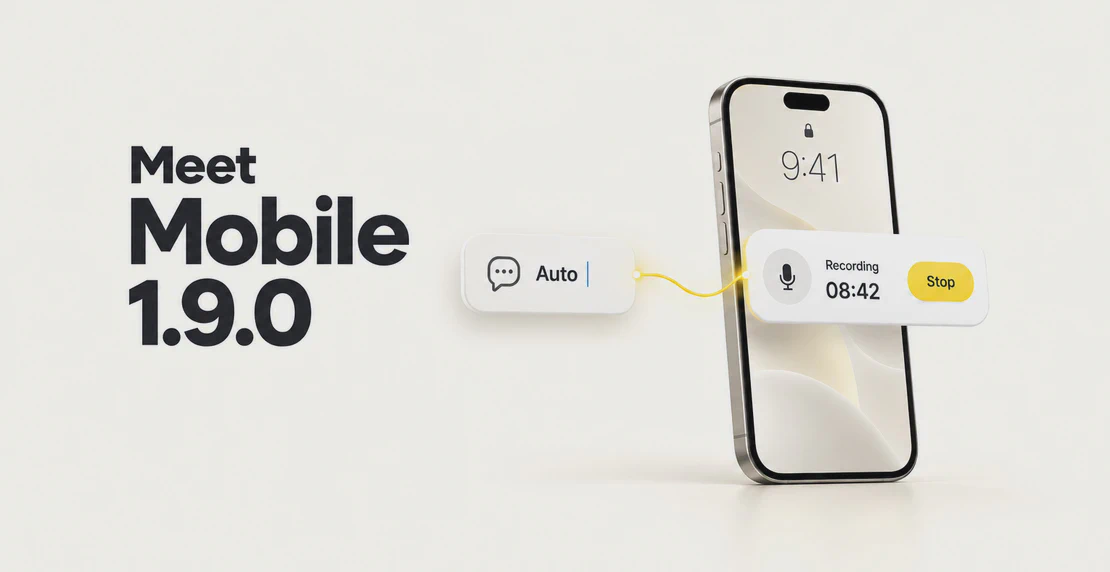
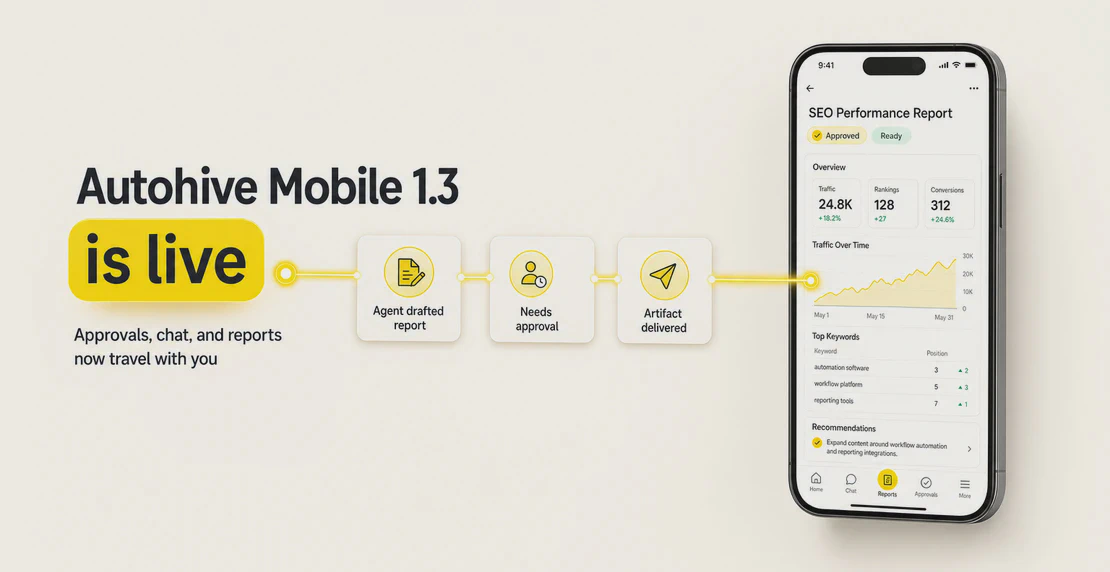
Concept illustration, not a screenshot of the released app.The header image was made with AI image generation to show the ideas in this post, not the shipped app.Written with AI from the 1.9.0 release notes and screenshots.
Autohive is the app for working with your AI agents from your phone. Version 1.9.0 makes three changes you’ll notice. It opens a new chat with Auto at launch, keeps unsent text while the app stays open, and puts meeting recording controls on the iPhone Lock Screen. The startup and draft changes work on iOS and Android. Lock Screen recording is iOS only. For what 1.3 added, see the mobile 1.3 post.
The screenshots below are development references, not store-release captures.
A new starting screen
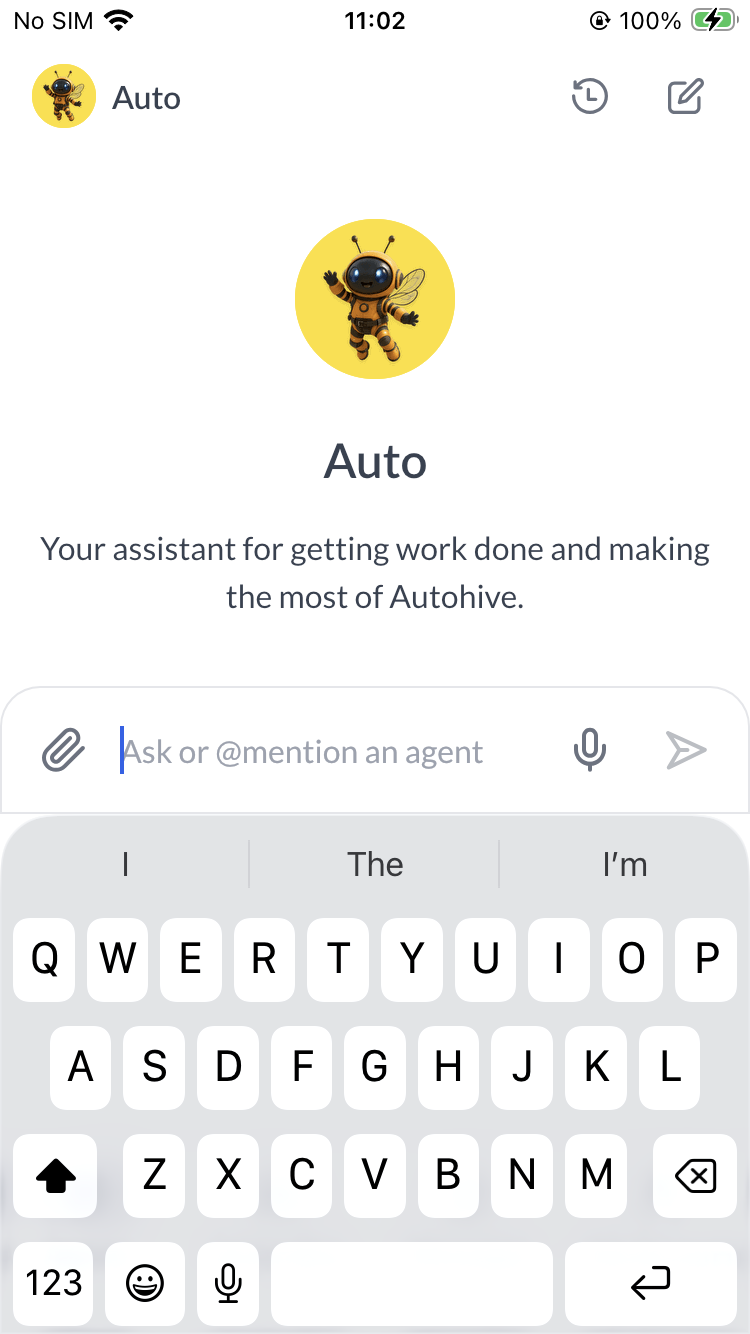
On a fresh launch when you’re already signed in, Autohive now opens a new chat with Auto by default. That happens when Auto is available in the workspace you have selected. It doesn’t apply to every sign-in or every time you resume the app.
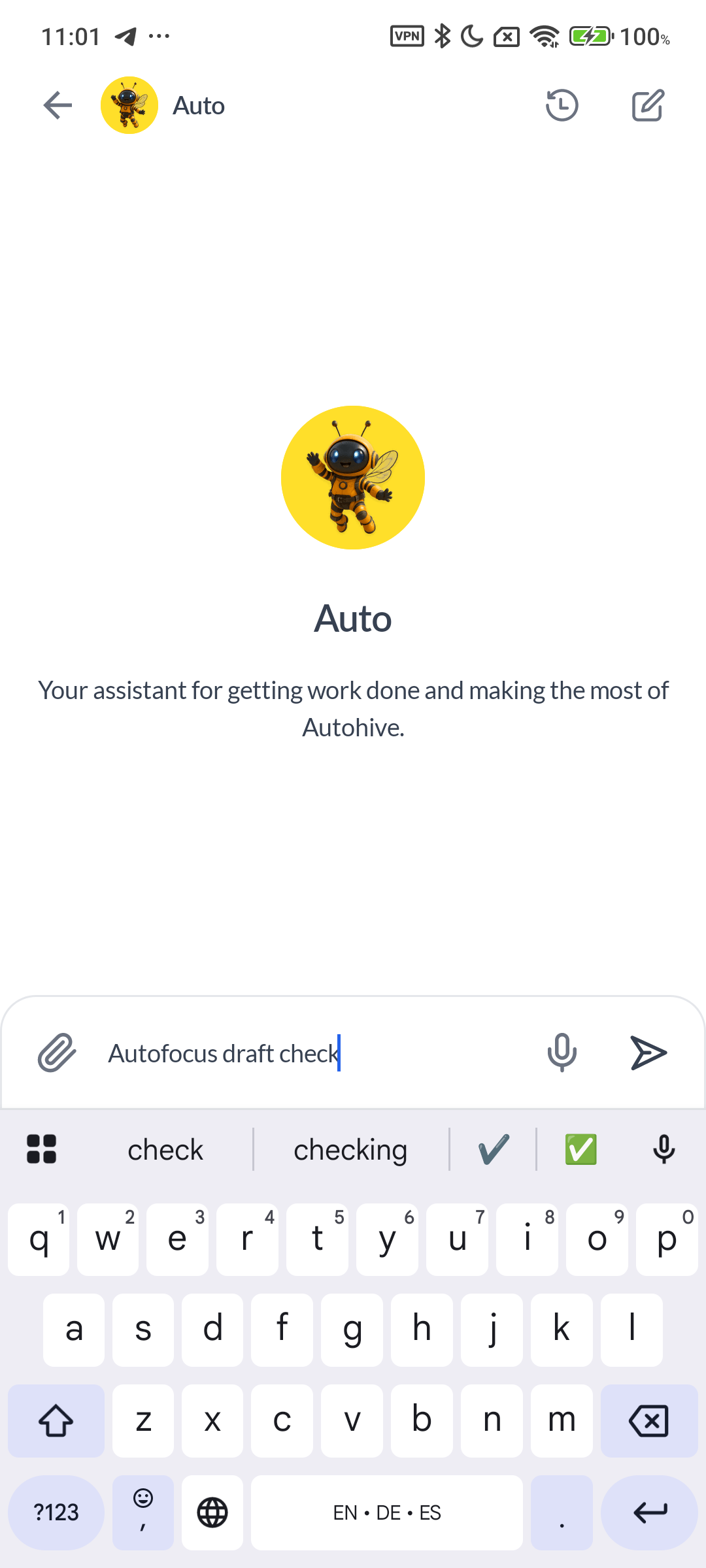
iOS: a fresh launch opens a new Auto chat, with the cursor in the message box.
You can change it. Go to My Account, then Personal settings, then Start in a chat. Pick a different agent and its workspace, or switch the setting off to open the Agents list instead.
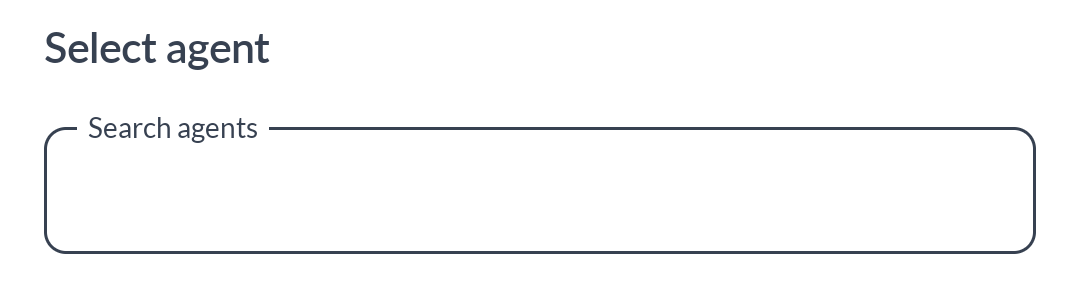
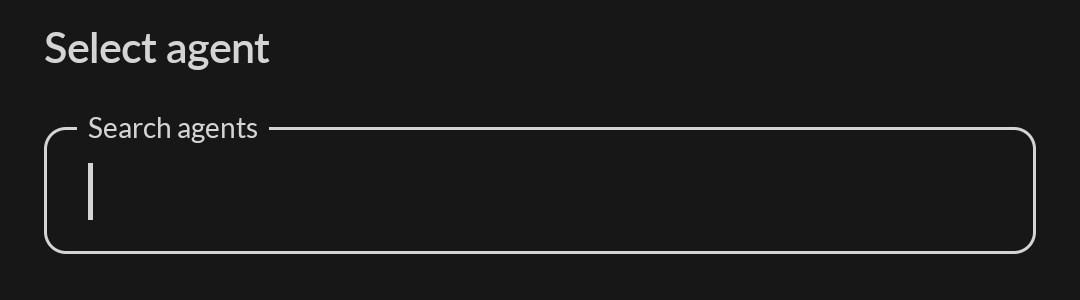
Android: the focused search field style in Personal settings, light and dark. Shown to illustrate the input style only, not the full startup setup.
Your agent and workspace selection is remembered separately for each plan on this device and doesn’t sync across phones. The Start in a chat switch applies across all plans on this device. Turning it off keeps your saved selections. Logging out clears these settings.
If the agent is missing, inaccessible or ambiguous, the app opens the Agents list and keeps your saved choice. A notification or a restored screen takes priority over startup. Resuming from the background keeps whatever was on screen, and switching plans by hand opens Agents.
When the startup chat opens, your cursor lands in the message box and the keyboard appears while the chat is visible. New chats you pick from Agents do the same. Chats you open from History or a notification don’t. A recovered draft stays where it is and is never sent for you.
The startup chat has no Back arrow in its header, but the Agents tab still works, along with Android’s back control and iOS gestures. Chats you open yourself keep their Back arrow.
Unsent text sticks around
Start typing, leave the chat before sending, then come back in the same app session. Your text is still there. This works in agent chats, new chats and direct messages, and each conversation keeps its own draft.
Text drafts only. Retained in the current app session; cleared on logout or app restart.
Android: a recovered draft sits ready in the message box when you return in the same session.
Drafts live in memory only. There’s no saved or synced copy. Moving between screens or sending Autohive to the background doesn’t clear a draft while the app is still running. Logging out, force quitting, restarting the app or anything else that stops it clears your drafts. Attachments aren’t kept, so add your files again.
Lock Screen recording on iPhone
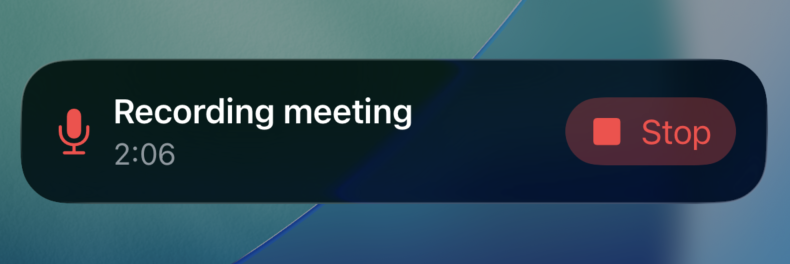
A Live Activity is a live update that iOS shows on your Lock Screen and, on supported iPhones, in the Dynamic Island. Once a meeting recording is running, 1.9.0 shows its status and a timer there. You can tap Stop without unlocking your phone. This adds Lock Screen controls to the meeting recording you already have.
iOS: Lock Screen recording Live Activity with a timer and Stop.
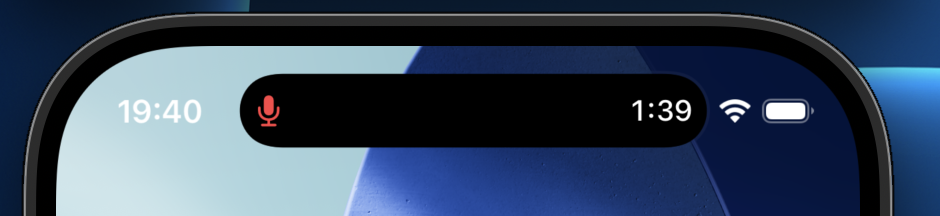
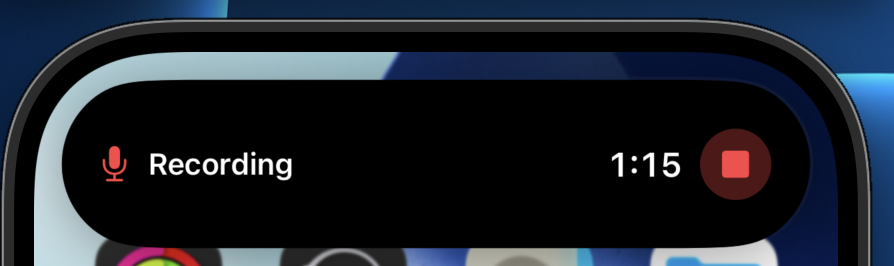
On supported iPhones, the Dynamic Island shows a compact microphone and timer. Touch and hold it to expand the view and reach Stop.
iOS, supported iPhones: compact Dynamic Island microphone and timer.iOS, supported iPhones: touch and hold to expand and reach Stop.
When you tap Stop, the timer freezes and the card shows “Finishing recording…”, then goes away once recording ends. If a recording stops unexpectedly, you may see “Recording stopped unexpectedly” and “Open Autohive to review”. It may not catch every interruption. The controls can’t pause or resume, show a transcript or show upload progress, and you can’t start a recording from the card.
To use it, turn on Live Activities for Autohive in your iPhone settings. You also need meeting recording access on your account and workspace. On Android, the existing recording notification with its Stop button is unchanged.
Smaller changes across the app
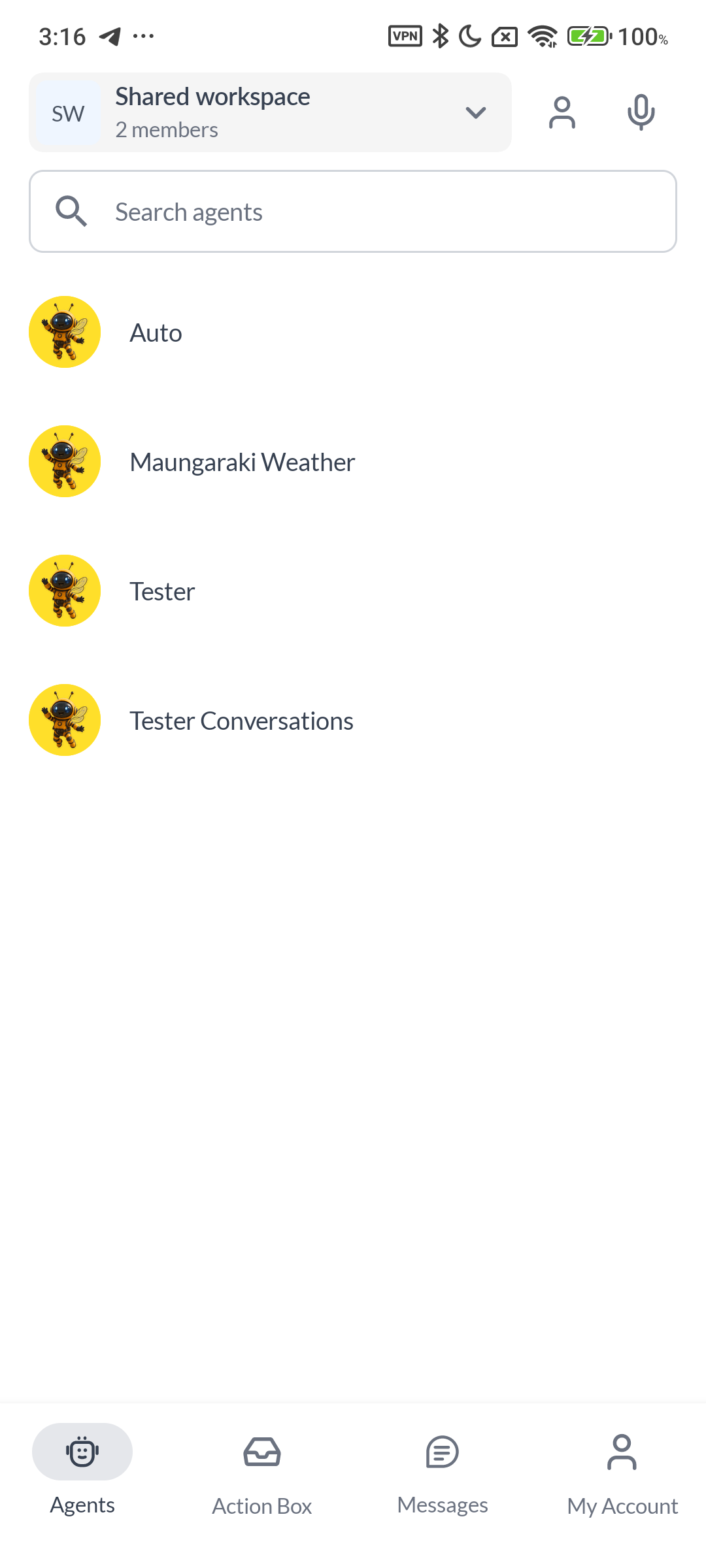
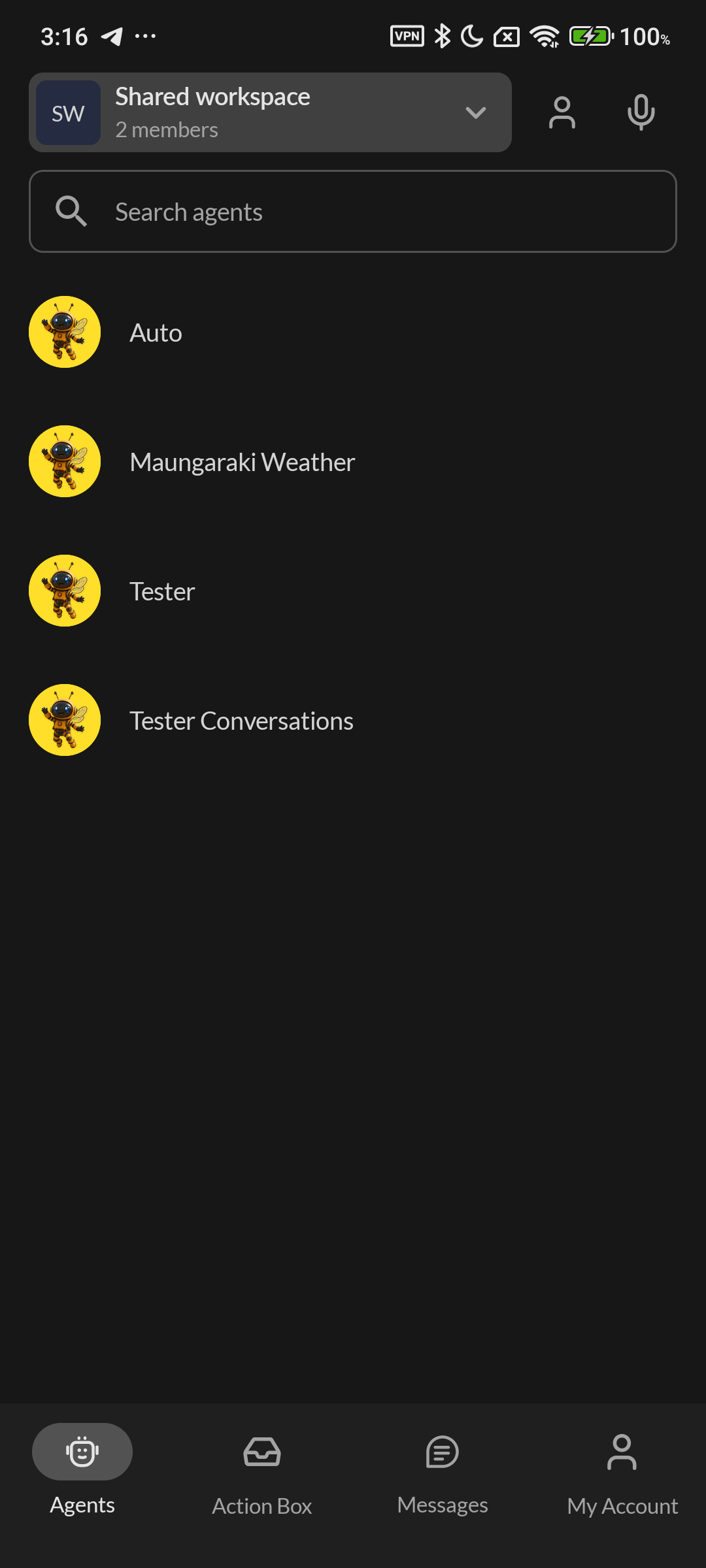
The Agents screen has a simpler header with more room for the workspace selector. A People icon replaces the old avatar strip, and tapping it still opens the members sheet. The microphone on this screen opens Meetings and doesn’t start a recording.
Android: the updated Agents screen, light and dark.
Search is now full width and the separate sort control is gone. Agents list favorites first, then alphabetically within each group, ignoring capital letters. Workspace initials handle some extra emoji, though not every combined one.
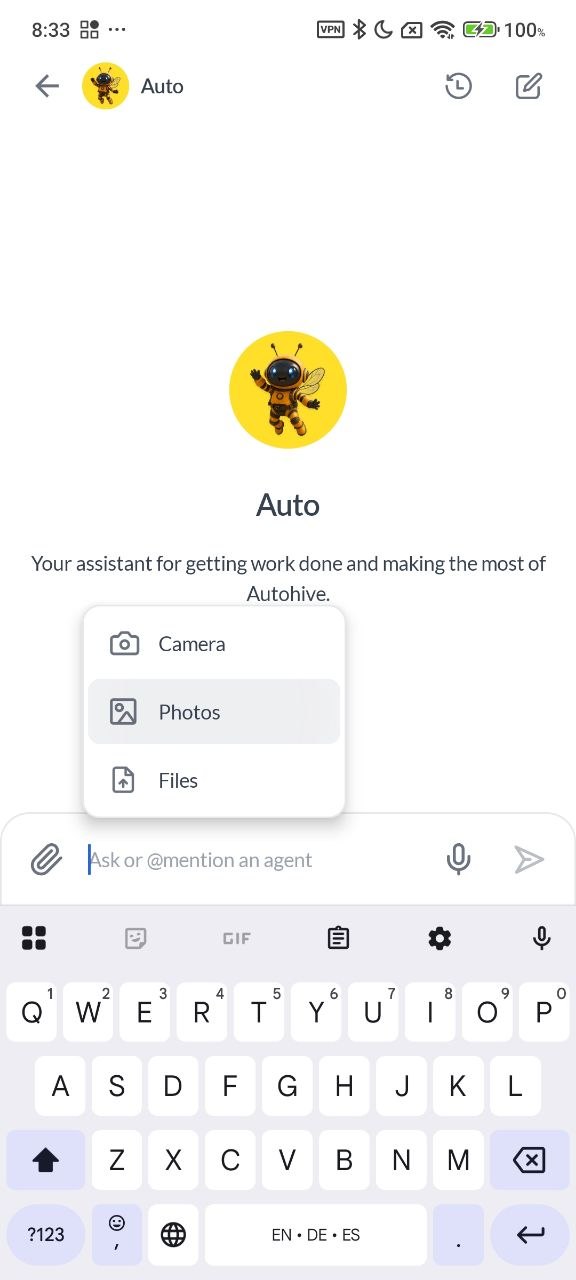
In the attachment menu, the Camera, Photos and Files rows are tappable across their full width, and the whole row highlights. The choices are the same as before.
Android: the attachment rows are now tappable across the full row.
Icon buttons now share the same tap area. Search and settings fields are more compact and rounded, with neutral borders when focused in light and dark modes. The message box in chats is unchanged. The copy icon on messages now aligns correctly, and workspace padding is corrected.
Two fixes: reopening Agents after Android stops the app no longer creates an unwanted Auto chat, and a plan-lookup fix makes plan selection around logging out or switching more reliable. Behind the scenes, there are clearer screen diagnostics, and unused resources are trimmed from Android release builds.
Quick questions
Do drafts survive if I close the app? It depends how you leave. Switching screens or apps keeps a draft while the app is still running. Logging out, force quitting or an app restart clears it.
Does Android get the Lock Screen recording card? No. Lock Screen and Dynamic Island recording controls are iOS only. Android keeps its recording notification with a Stop button.
How do I reach the iPhone recording controls? On the Lock Screen, tap Stop on the Live Activity. On iPhones with the Dynamic Island, touch and hold it to expand, then tap Stop. You need Live Activities turned on for Autohive and meeting recording access on your account and workspace.
To see which version you have, check the version installed on your phone against your App Store or Google Play listing.
Jono is the Marketing Operations Lead at Autohive, bridging the gap between commercial strategy and AI-powered execution. With a passion for building systems that scale, he brings structure to complexity and turns marketing activity into measurable …
Autohive's Reilly handed a generic agent his own 10-year Spotify export and asked it to find something interesting, no code tool or setup required. In …



Jono Nourse