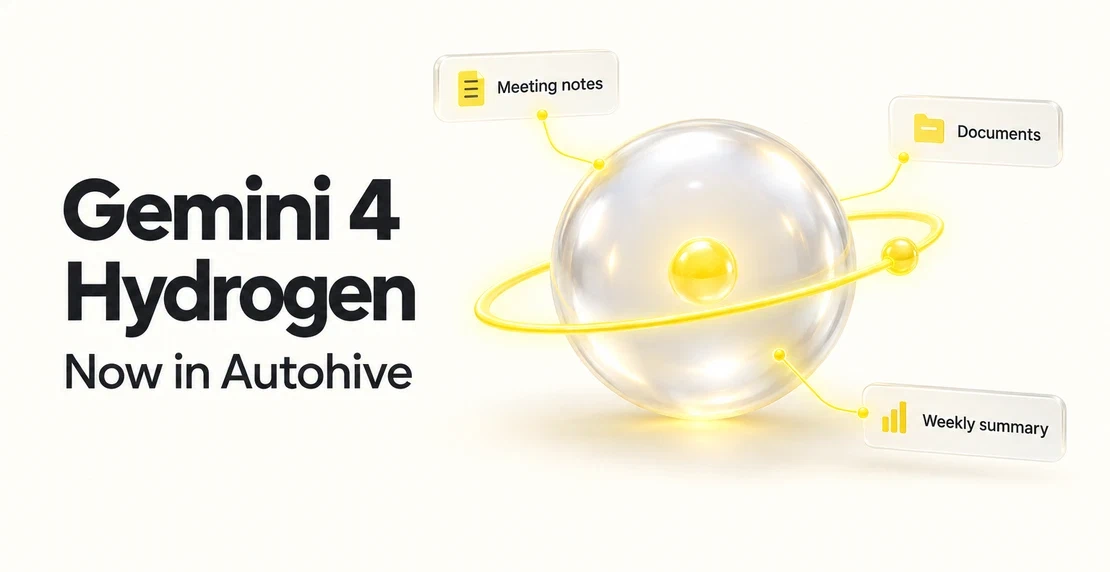
Gemini 4 Hydrogen, Google’s new model for everyday work, is now available in Autohive. You can try it on an agent and see how it handles jobs your team runs each week, from tidying meeting notes to comparing documents.
Google released Hydrogen on 12 November 2026. It sits beside Gemini 4 Argon and Carbon, which Google positions for hard problems that need long chains of reasoning. Hydrogen is aimed at working through a broad range of tasks quickly. Here’s what it’s for and how to test it on one of your own agents.
What Gemini 4 Hydrogen is built for
In its Gemini 4 Hydrogen announcement, Google describes a model built for rapid execution across agentic workflows. These are jobs where an agent works through several steps. Google’s examples include coding and debugging, research, data analysis, and work that mixes text with images, audio, or video.
That makes Hydrogen worth testing on agents that take short, practical steps: read something, pull out what matters, and write it up. If your agent works through one difficult problem over a long stretch, Google points to Argon or Carbon instead.
Multimodal means a model can work with more than one type of input, such as text and images. This table summarises Google’s Gemini 4 Hydrogen model card, published in November 2026.
| Feature | What Google’s model card says |
|---|
| Model ID | gemini-4-hydrogen |
| Inputs | Text, images, audio, and video |
| Output | Text |
| Context window | Up to 1 million tokens, shared between input and output |
| Output length | Up to 64K tokens in a normal response, longer through Google’s background mode |
| Knowledge cutoff | March 2026 |
| Thinking levels | Low, medium, high (default), and xhigh |
These specs describe the model as Google offers it. They don’t confirm that Autohive offers every input type or setting, background mode, or the full context window.
Gemini thinking levels in plain terms
A thinking level controls how much the model reasons before it answers. Google offers low, medium, high, and xhigh, with high as its default. Higher levels can take longer to respond. The choice affects the results you see in Google’s tests.
We haven’t confirmed a thinking-level control for Hydrogen in Autohive. Treat the levels as background on Google’s model, rather than settings you need to change before trying it.
Agentic workflows to try first
Here are some tasks to try, not results we’ve measured. How well Hydrogen does will depend on your instructions and your data.
| Task | What you give the agent | What to check |
|---|
| Pull action items from a meeting | Transcript text you supply | Every action has the right owner and due date, and nothing appears that wasn’t said |
| Compare two documents or records | Excerpts from each source | Each difference the agent lists can be found in the source text |
| Draft a weekly summary | Status updates from your team | Each claim in the summary traces back to an update |
If you’d like one of these to run as part of a bigger process across your connected apps, the guide to creating workflows shows how to set one up.
What Google’s own tests do and don’t show
Google publishes benchmark results for Hydrogen, along with a methodology page. Google ran its own model at the highest thinking level. Most competitor figures come from those providers’ own reports, so the results need that context.
Independent trackers such as Artificial Analysis give another view. A public score still can’t tell you how Hydrogen will handle your documents, your tone, or your customers. Use the results as a guide for what to test.
Gemini context window and other limits
A context window is the material a model can work with in one request. Tokens are the small pieces of data counted towards that limit. Hydrogen’s Google model card lists up to 1 million tokens, shared between input and output. That doesn’t mean perfect recall. Ask your agent to point to its sources when accuracy matters.
Google also notes that Hydrogen can make things up, and responses can sometimes be slow or time out. Its built-in knowledge stops at March 2026. Supply current sources for anything newer. For tax or legal work, keep a qualified person checking the output.
How to test Gemini 4 Hydrogen on one agent
Start with one task. In Autohive, you choose the model for each agent in its settings. You can test a change on one agent before deciding whether to use it elsewhere.
- Pick an agent with a repeated, easy-to-check task. If you don’t have one yet, how to build a custom agent walks you through it.
- Save a few real inputs and the answers your current model gave.
- Choose Gemini 4 Hydrogen for that agent and run the same inputs.
- Compare both sets of answers against your sources. Check accuracy, whether it followed your instructions, and how much editing the output needed.
- If Hydrogen did better, keep it. If not, try it on a different kind of task.
Frequently asked questions
Should I move my existing agents to Gemini 4 Hydrogen?
Not all at once. Test it on one agent with a task you can check easily, using inputs you already run. If Hydrogen gives answers you’re happy with, try it on the next agent. Agents that already work well can stay on their current model while you build up your own evidence.
How is Gemini 4 Hydrogen different from Argon and Carbon?
Google built Hydrogen for quick execution across a broad mix of tasks, such as coding, research, data analysis, and multimodal work. Argon and Carbon are positioned for hard problems that need long chains of reasoning. If your agent handles lots of short, practical jobs, Hydrogen is worth testing on those tasks first.
What are the limits of Gemini 4 Hydrogen?
It can still make things up, and some responses may be slow or time out. Its built-in knowledge ends at March 2026. A large context window doesn’t guarantee it will notice every detail. Google’s full input support and settings aren’t confirmed in Autohive. Check important output against your sources.
Gemini 4 Hydrogen is in Autohive now. Pick one agent, give it a task you know well, and see what it does.

Jono Nourse