Jono Nourse
- 27 Jul, 2026
Claude Opus 5 is now live on Autohive for your hardest agent work
Assign Claude Opus 5 to the agents and workflows that need deep reasoning and long context, and keep cheaper models on everything else.
Read article
Jono Nourse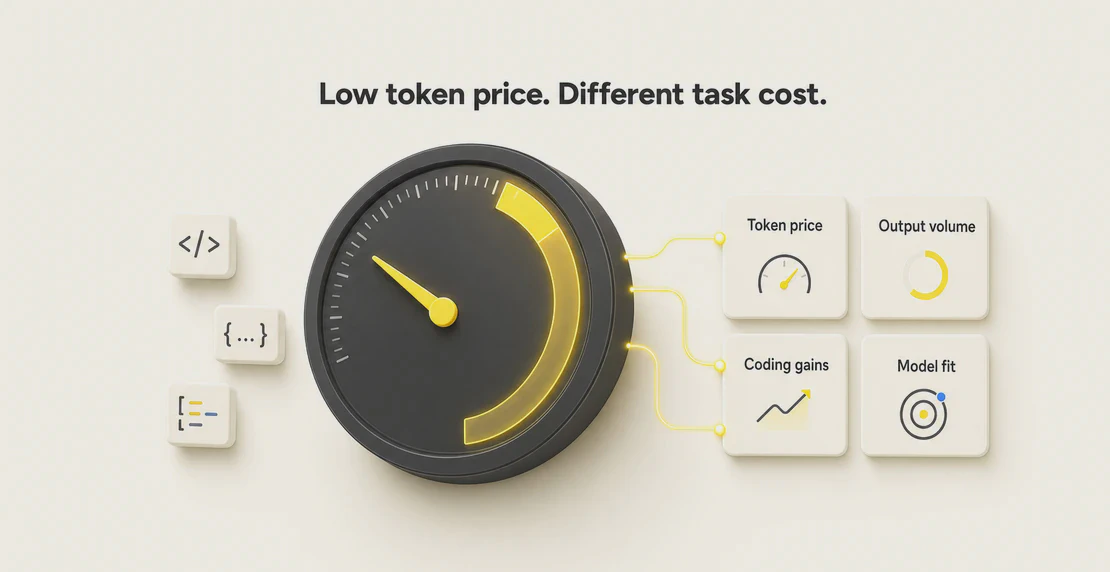
xAI shipped Grok 4.7 on 21 September 2026, and it’s now available in every Autohive workspace, where it shows up as Grok 4.7 under the xAI provider with the public API ID grok-4.7. It reads both text and images as input and writes text as output. The context window holds 500,000 tokens, and Autohive supports up to 128,000 output tokens per response. Pricing starts at $2 per million input tokens and $6 per million output tokens for standard requests. Because this is a generally available model rather than a preview or beta, you can switch an existing agent over to it without any migration work.
The rest of this post covers what changed since the last version, how the model tests against its own claims and against independent benchmarks, what it actually costs to run in practice, and where it fits best among the agents you’re already building.
The headline change is agentic coding, since Grok 4.7 plans, calls tools, and works through multi-step tasks with less hand-holding than Grok 4.6 needed. It writes code, reviews pull requests, debugs, and runs longer tool chains more reliably than the previous version did.
The per-token list price didn’t move, so Grok 4.7 costs the same per token as Grok 4.6. That looks like a free upgrade, but there’s a catch worth understanding before you switch anything over. Because Grok 4.7 tends to think harder and produce more tokens per task, your actual bill per job can rise even though the price on each token stayed flat. The math on that trade-off is below.
The 500,000 token context window carries over, along with the tiered pricing that doubles rates on very large requests. If you were already banking the cached-input savings xAI added to Grok 4.5, those still apply.
| Feature | Detail |
|---|---|
| Provider | xAI |
| API ID | grok-4.7 |
| Context window | 500,000 tokens |
| Max output (Autohive) | 128,000 tokens |
| Input types | Text and image |
| Output type | Text |
| Reasoning | Yes, handled internally by Autohive |
| Tool use | Yes, via integrations and custom actions |
| Vision, streaming | Yes |
xAI’s own API lets developers pick a reasoning effort of low, medium, high, or xhigh, which controls how much internal computation the model spends before it answers. Autohive manages reasoning for you and doesn’t expose a manual effort slider right now, which keeps setup simple but also means you can’t dial the effort down by hand to save tokens. Because of that, it’s worth watching your run costs closely for the first few weeks after you switch.
xAI’s own platform adds function calling, web search, X search, and code execution, which sit outside what Autohive currently exposes. Inside Autohive, you get tool use through the integrations and custom actions you already build, plus reasoning, streaming, and vision, so most agentic workflows still have everything they need.
These numbers come from xAI’s own launch post, and because xAI ran every test itself, including the runs for the competitor models, it makes sense to treat them as vendor claims rather than neutral, third-party results.
| Benchmark | Grok 4.7 (xAI) | Grok 4.6 (xAI) |
|---|---|---|
| EEBench | 64.0% | 53.0% |
| Harvey Legal Agent | 19.6% | 15.8% |
| DeepSWE v1.1 | 71.0% | 65.2% |
| CursorBench 4.0 | 46.3% | 40.4% |
| Terminal-Bench 4.0 | 37.6% | 20.3% |
| HealthBench Professional | 56.7% | 48.5% |
| GDPval (Elo) | 1,695 | 1,605 |
Grok 4.7 doesn’t win everything, even on xAI’s own table. GPT-5.6 Sol leads on DeepSWE, and Claude Fable 5.1 leads on CursorBench, Terminal-Bench, and HealthBench, so rivals beat Grok 4.7 on several tasks even in the tests xAI chose to run.
A few caveats matter here, and they change how much weight the numbers above should carry. xAI ran the competitor models itself, effort settings weren’t matched across models, and Grok 4.7 usually ran at xhigh, its most expensive setting. xAI also didn’t publish sample sizes or error bars for any of these results. Given all that, it makes more sense to read this table as a general direction than as a strict scoreboard.
Artificial Analysis, an independent group, tested Grok 4.7 on its own hardware and its own prompts, which gives a cleaner read on real-world performance than numbers a vendor publishes about itself.
| Measure | Grok 4.7 | Grok 4.6 |
|---|---|---|
| Intelligence Index | 46 | 44 |
| Coding Agent Index | 56 | 47 |
| Output speed | ~188 tokens/sec | not confirmed |
| Output tokens per Intelligence Index task | ~81,000 | ~38,000 |
The Coding Agent Index jumped 9 points, which backs up xAI’s main claim that the coding gains are real rather than marketing. The broader Intelligence Index rose only 2 points, a smaller step but still a genuine one.
The token count, though, is the number worth watching most closely. Grok 4.7 used about 81,000 output tokens per task in that suite, more than double the roughly 38,000 tokens Grok 4.6 needed to finish the same kind of work. Artificial Analysis also clocked about 7.1 minutes per task in its benchmark run, but that figure describes a heavy, multi-step benchmark task rather than normal chat, so don’t read it as the delay you’ll feel in a quick conversation.
Taken together, independent testing shows a real improvement over 4.6, strongest in agentic coding, though Grok 4.7 still sits behind several rivals on the wider rankings.
Grok 4.7 uses tiered pricing based on the size of your prompt, and all the figures below are in USD per 1 million tokens.
| Prompt size | Input | Cached input | Output |
|---|---|---|---|
| Under 200,000 tokens | $2 | $0.50 | $6 |
| 200,000 tokens or more | $4 | $1 | $12 |
The higher rate applies to the whole request once your prompt crosses 200,000 tokens, not just the tokens above the line. Confirmed by xAI’s models documentation and release notes.
Same token price, higher task cost. Grok 4.7 charges the same $6 per million output tokens as Grok 4.6, but independent testing showed it produces about 81,000 output tokens per task versus roughly 38,000 for 4.6. At $6 per million, that works out to roughly $0.49 per task for 4.7 against about $0.23 for 4.6. In other words, the price per token didn’t change, yet the cost per finished job about doubled anyway, which is a reminder that low per-token pricing doesn’t guarantee a lower bill per task.
The 200,000 token cliff. A request with 199,000 prompt tokens is billed at $2 per million input, but push it to 205,000 tokens and the entire request jumps to $4 per million input, plus $12 output, because the higher rate applies to the whole prompt rather than just the tokens above the line. That means a small increase in prompt size can nearly double the price of a single call, so if your prompts regularly sit near 200,000 tokens, it’s worth trimming them or budgeting for the step up.
| Model | Context | Max output | Input | Cached input | Output | Long-context note |
|---|---|---|---|---|---|---|
| Grok 4.7 | 500K | 128K (Autohive) | $2 | $0.50 | $6 | Doubles to $4/$1/$12 at 200K+ |
| GPT-6 Astra | 1.05M | 128K | $10 | $1 | $50 | Rises above 272K |
| GPT-5.6 Sol | 1.05M | 128K | $4 | $0.40 | $20 | Rises above 272K |
| Claude Opus 5 | 1M | 128K | $5 | $0.50 | $25 | Flat across full window |
| Claude Fable 5.1 | 1M | 128K | $10 | $0.25 | $50 | Flat across full window |
| Gemini 3.1 Pro Preview | 1M | 64K | $2 | $0.20 | $12 | $4/$0.40/$18 at 200K+ |
Grok 4.7 is one of the cheapest options here on per-token output, undercutting every other model in the table at the standard tier, which makes it a reasonable default for high-volume agentic work. For the full tier breakdown on the OpenAI side, including how the Terra and Luna variants are priced, see Autohive’s GPT-5.6 Sol, Terra, and Luna pricing breakdown. What you give up with Grok 4.7, though, is context: its 500K window is smaller than the 1M and 1.05M windows of its rivals, and its pricing doubles on large requests while Claude’s stays flat no matter how big the prompt gets. Benchmark comparisons across vendors are also rarely apples-to-apples, since each lab tests under its own settings and effort levels.
Grok 4.7 is a strong pick whenever the work in front of your agent is agentic and code-heavy:
If you’re wiring any of these into a live agent for the first time, the guides on building a custom agent, setting up multi-agent teams, and creating a workflow walk through the setup in more detail.
Grok 4.7 shouldn’t be your default for every agent, and there are a few situations where a different model will serve you better:
Grok 4.7 also takes longer to produce a first token because it reasons before replying, it burns more tokens per task than 4.6, and it applies looser content filtering than some rivals, so it’s worth weighing all three factors before you switch a production agent over.
New to Autohive? Create a new agent first, then come back and point it at Grok 4.7 using the steps below.
Switching an existing agent takes no code and no migration script:
After you save, test your key prompts and action chains against the new model, then check real run costs on a few live jobs before you trust it with anything important. Because Grok 4.7 can use noticeably more tokens per task than the version it replaces, checking your actual spend rather than assuming the list price tells the whole story is the step that matters most.
Is Grok 4.7 more expensive than Grok 4.6? Not per token, since the list price is identical. But because Grok 4.7 tends to produce more tokens per task, your total cost per job can land higher even at the same rate.
What is the context window on Autohive? 500,000 tokens for input, with up to 128,000 output tokens per response.
Can I set the reasoning effort myself? Not in Autohive today. The xAI API offers low, medium, high, and xhigh effort levels, but Autohive handles reasoning internally and doesn’t show a manual slider.
Is Grok 4.7 a preview or a final release? Generally available, not a preview or beta.
Why does a request suddenly cost more once my prompt gets large? Once your prompt hits 200,000 tokens, the rate doubles for the entire request, to $4 input, $1 cached input, and $12 output per million. Keep prompts under that line if you want the lower rate.
Do I need to rebuild my agent to use Grok 4.7? No. Change the model in your agent settings and save. There’s no migration step, just testing your prompts and checking costs afterward.
How does Grok 4.7 compare to GPT-5.6 Sol and Claude on price? Grok 4.7 is cheaper per output token at the standard tier than every model in our table. The trade-off is a smaller context window and pricing that doubles on large requests.
Grok 4.7 is a real step up for agentic coding, backed by independent testing, and it comes at a low per-token price. The catch is token burn, because it thinks more and writes more per task, so you’ll want to watch your real per-job costs, mind the 200,000 token pricing cliff, and keep a bigger-context or cheaper model on hand for the jobs that need one. It’s live in your workspace right now, so switch an agent over, run a few real tasks through it, and check the bill before you roll it out everywhere else.

Written by
Jono is the Marketing Operations Lead at Autohive, bridging the gap between commercial strategy and AI-powered execution. With a passion for building systems that scale, he brings structure to complexity and turns marketing activity into measurable …
Jono NourseAssign Claude Opus 5 to the agents and workflows that need deep reasoning and long context, and keep cheaper models on everything else.
Read article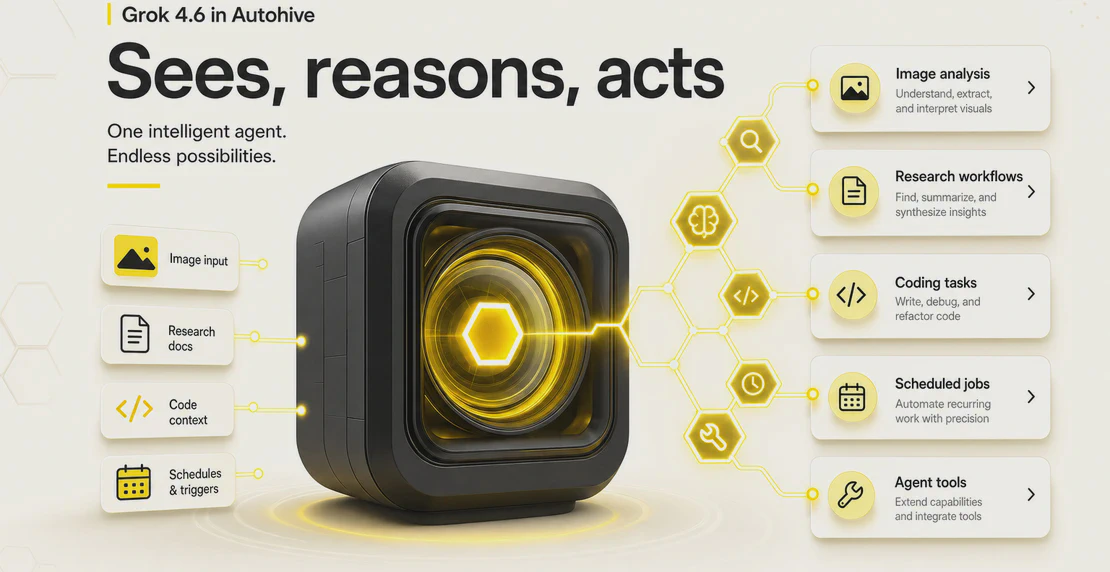 Jono Nourse
Grok 4.6 combines vision, tool use, reasoning, and streaming in a single xAI model, making it a strong default for technical and operational agents …
Read article