Jono Nourse
- 17 Jul, 2026
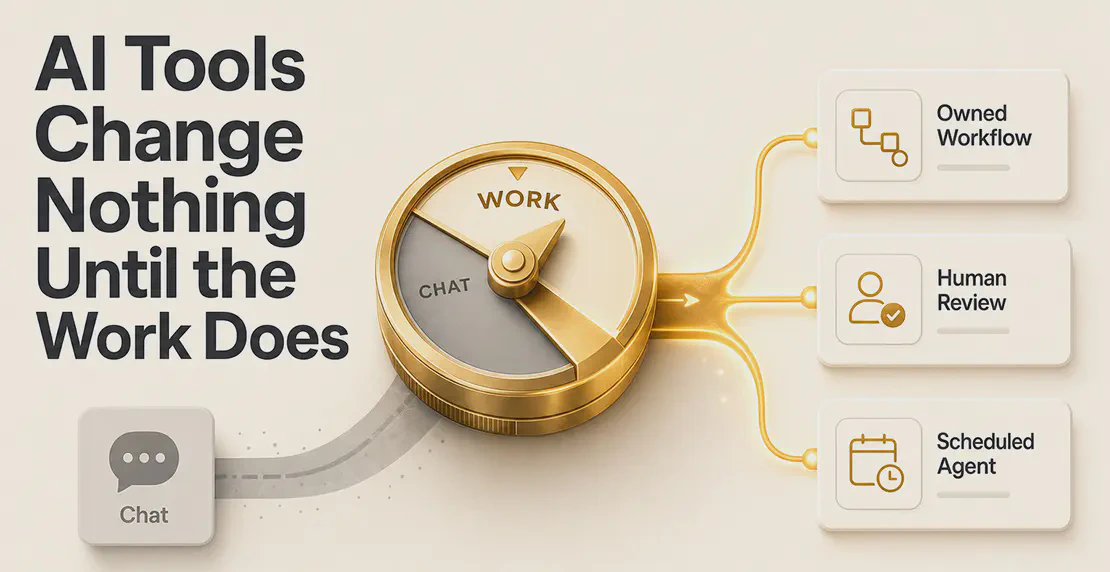
AI Tools Change Nothing Until the Work Does
Most organizations have already bought AI tools and hosted the workshops, but they're still bolting new technology onto old structures. This post …
Read article
Jono Nourse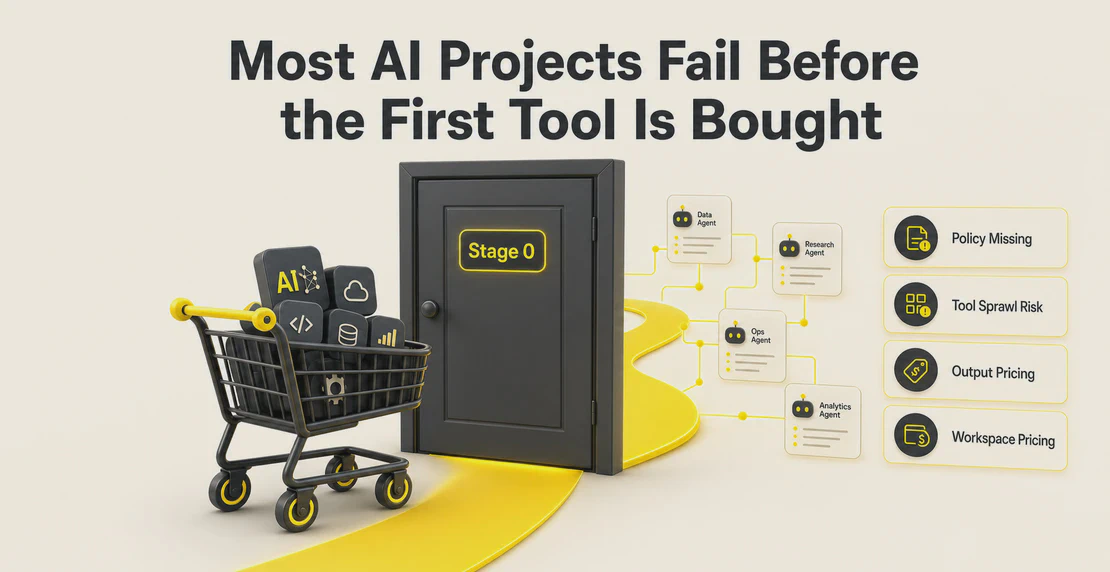
Most organizations arrive at AI conversations with some mix of enthusiasm, anxiety, and genuine confusion about where to begin. The loudest voices in the market talk about agentic workflows, autonomous decision-making, and AI systems that run entire businesses. But that conversation skips several steps most organizations are still working through.
AI adoption happens in stages. Where your organization sits on that path, and what comes next, matters more than chasing the most advanced use case you read about last week.
Think of AI maturity across four rough stages. Organizations don’t always progress cleanly from one to the next. Some stall. Some skip ahead in specific departments while lagging in others. But the direction of travel is consistent.
Some organizations are still here. That doesn’t mean they’re behind or resistant. It usually means no one’s given the team a reason or the permission to start. Teams may have individual workers quietly using ChatGPT or Gemini on their own devices, but there’s no official AI, no policy, and no shared access.
If this is your organization, resist the urge to start by buying a platform. Build a basic shared understanding first: what AI actually does, what it can’t do, and what questions are worth asking. Many organizations skip this and pay for it later.
The first official AI use in most organizations looks like better search. Workers use an AI tool to find information faster, summarize long documents, draft emails, or answer questions they’d otherwise have to dig through files to find.
Microsoft Copilot is a common first step here, partly because it sits inside Microsoft 365 and feels like a safe starting point. But plenty of workers also use ChatGPT, Claude, Gemini, or Grok directly, because those tools are often faster to access and better suited to specific tasks. This creates what security teams call shadow AI: AI use that’s happening inside the organization but outside any official channel, often with company data being pasted into consumer tools.
Shadow AI points to a policy and access gap. Workers reach for consumer tools when official tools feel limited or unavailable. The answer is broader access, not enforcement.
At Stage 1, the value is real but modest. You’re reducing time spent on research, writing, and retrieval. You’re not yet changing how work flows through your organization.
This is where AI starts doing more than answering questions. Agents begin sitting between systems, picking up outputs from one tool and feeding them into another. Repetitive human tasks, the ones where someone opens a spreadsheet, copies data into a report, and sends it to a Slack channel every Monday morning, get replaced by automated routines.
At this stage, AI is the connective tissue. It bridges tools that weren’t built to talk to each other and removes the human effort that used to hold those connections together.
This is also where the value calculation shifts. Stage 1 might save a worker twenty minutes a day. Stages 2 and 3 can remove entire categories of recurring work, freeing people to spend time on things that actually require judgment.
A common trap here: automating old processes without questioning them first. If a process was inefficient before AI, automating it just produces inefficiency faster. Before you automate, ask whether the process itself is worth keeping. AI often creates a chance to redesign how work flows instead of just speeding up the existing design.
The fourth stage is where the biggest changes happen. At this point, agents make decisions, take action across multiple systems, and move from reacting to prompts toward acting on their own. A supply chain agent notices a stock pattern and raises a purchase order. A customer service agent handles a complaint end to end. An IT monitoring agent spots an anomaly, diagnoses it, and escalates or resolves it without waiting for a human to notice.
Agentic AI is still early. Most enterprises are experimenting with specific use cases rather than running it at scale. The barriers are real: poor data quality, integration complexity, governance concerns, unclear ROI, and skills gaps. Organizations that get this stage right tend to have done the earlier stages properly first.
Copilot has become the default enterprise AI starting point because it lives inside the tools most teams already use. For many organizations, that familiarity lowers the barrier to getting started. For others, it creates a false finish line.
Microsoft 365 Copilot works well for search, summarization, and writing support. It’s less suited to organizations that need to build custom agents, work across tools outside the Microsoft ecosystem, or give every team member access without paying per-seat fees.
Per-seat pricing is a genuine constraint. When a company buys fifty licenses for a team of two hundred, the hundred and fifty people without access can see what AI is doing for their colleagues but can’t participate. That gap creates frustration and reinforces the shadow AI problem. If AI is going to lift an organization’s performance, access needs to be broad, not rationed.
Most AI budgets are still benchmarked against SaaS subscriptions. Organizations compare monthly AI spend to what they pay for project management software or a video conferencing tool. That comparison undersells what AI actually delivers.
Once AI is genuinely embedded in how a team works, the right comparison is closer to labor cost. What would it cost in staff time to do what the AI is doing? What could those staff hours be redirected to? At Stage 4, many organizations are already starting to think this way: AI as digital labor, measured in outputs and decisions rather than features and seats.
That framing is worth getting ahead of now, even if your organization is still at Stage 1.
AI adoption tends to benefit knowledge workers first. People with laptops, inboxes, and document-heavy jobs feel the value earliest. But plenty of organizations employ people who don’t sit at desks, and those workers have just as much to gain from AI removing repetitive tasks from their day.
Good employers think about this deliberately. They don’t build AI strategies for leadership and office teams while leaving operational and frontline workers behind. They create training, shared access, and clear communication about what AI is doing and why. That transparency matters for adoption as much as morale: workers who understand what AI is doing for their colleagues are more likely to engage with it themselves.
No one should feel left behind or made to feel slow for asking basic questions. Most organizations still asking “what is an AI agent, exactly?” are in good company. The technology is genuinely new for most teams, and learning how it works is part of adopting it, not a separate step to get through first.
When organizations try to start with AI, the first question is usually “What can AI do?” That’s the wrong frame. It leads to chasing capabilities without a clear reason for them.
A better question: where do we want to become more efficient? Start with the friction. The tasks that take too long, the handoffs that break, the information that gets lost between systems. AI finds its clearest value when it’s solving a real problem, not demonstrating a capability for its own sake.
Autohive is built to support organizations across all four stages, from the point where teams first need a central place to ask questions about their own content, through to running multi-agent workflows across the tools a business already uses.
At Stage 1, Autohive’s Content Hub gives teams a place to upload documents, policies, reports, and other knowledge, then query it through agents that retrieve accurate answers from that material rather than hallucinating general responses. The guide to managing your content covers how to organize and connect that material once it’s there.
At Stages 2 and 3, the Jobs Scheduler lets agents run recurring tasks automatically, delivering outputs into Slack, email, Google Docs, Sheets, and other connected tools. Scheduling your agents walks through turning one-off tasks into proactive routines. Workflows let teams visually chain agents, data sources, and actions across tools into repeatable processes. Skills let organizations encode a defined process once so every agent follows it consistently, which helps with governance and reliability as automation grows.
At Stage 4, Autohive’s multi-agent setup lets teams build systems where specialized agents work together, passing tasks between them and taking action across 140+ integrations.
Pricing is by plan, not by seat. Every plan includes unlimited users, which removes the access problem that stalls adoption in organizations relying on per-seat tools. Teams can also choose which AI models to run, across OpenAI, Anthropic, Google, and xAI, matching the model to the task rather than being locked to one.
The organizations that make the most of AI treat adoption as a progression rather than a switch. They start where they are, build understanding and trust, and move forward as their people, processes, and systems are ready.

Written by
Jono is the Marketing Operations Lead at Autohive, bridging the gap between commercial strategy and AI-powered execution. With a passion for building systems that scale, he brings structure to complexity and turns marketing activity into measurable …
Jono NourseMost organizations have already bought AI tools and hosted the workshops, but they're still bolting new technology onto old structures. This post …
Read article Jono Nourse
Auto can create and manage webhooks and check run history for troubleshooting, and queued messages persist after you close a browser tab. You can also …
Read article