
Jono Nourse
- 23 Jul, 2026
Fast, low-cost Gemini Flash models are now live on Autohive
Gemini 3.6 Flash and Gemini 3.5 Flash-Lite are now live on Autohive. These fast, low-cost models are built for everyday agent tasks, from document …
Read article
Jono Nourse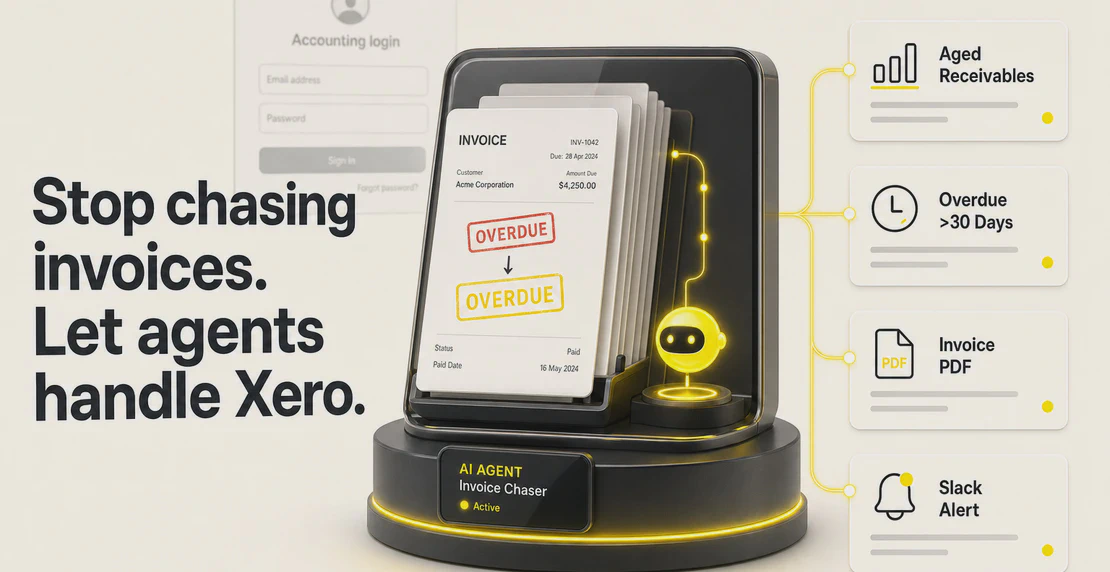
Autohive\u2019s new Xero integration connects your accounting system to custom AI agents for invoices, reports, alerts, and whatever else your finance workflow needs.
Most small business owners spend a chunk of their week on accounting tasks that genuinely shouldn\u2019t require them. Chasing overdue invoices. Pulling reports before a meeting. Hunting down a bill attachment someone forgot to send. Xero holds all of that data. The gap is that Xero doesn\u2019t automatically turn it into action. That job still falls to whoever\u2019s logged in.
Autohive’s new Xero integration closes that gap. Xero is now available in the Autohive Marketplace, connected via OAuth 2.0, with 26 actions covering invoices, bills, purchase orders, payments, financial reporting, contacts, and document management. Build an agent, point it at Xero, and let it handle the repetitive work.
The 26 actions span seven areas:
Invoices and bills. Create, update, and retrieve sales invoices and purchase bills. Pull an invoice as a PDF directly from Xero, ready to attach to an email or drop into your Content Hub.
Purchase orders. Create, update, delete, and retrieve purchase orders. View order history and add notes, all from inside an agent workflow.
Payments and transactions. Retrieve payment records and bank transactions for reconciliation or reporting.
Financial reporting. Pull a balance sheet, profit and loss statement, or trial balance on demand. Get aged payables and aged receivables whenever you need them, not just at month end.
Contacts and accounts. Find a Xero contact by name, retrieve account lists, and connect finance data to other parts of your workflow.
Documents and attachments. Attach files to invoices or bills, retrieve attachments, and fetch attachment content (useful when documents need to flow between Xero and other systems).
Connection management. The Get Available Connections action returns all Xero tenant connections by company name and ID, which makes it easy to build agents that work across multiple Xero organizations.
Think about a founder running a services business. Monday morning, they want to know who owes them money, whether any invoices have gone overdue, and where their cash position sits. That normally means logging into Xero, pulling a few reports, checking dates, and forming a mental picture. Five or ten minutes, if they’re quick.
With Autohive, that becomes an automated agent. Scheduled to run every Monday morning, it pulls aged receivables, checks for invoices past due, posts a summary to Slack, and flags anything over 30 days with a direct link to the invoice. The founder opens Slack and the information is already there.
That’s one small example. The same agent can expand: generate the invoice PDF, attach it to an email, log overdue accounts to a CRM, or feed the numbers into a weekly finance digest.
Xero works best as a financial data layer inside a broader workflow. A few patterns worth building:
CRM to billing. With the HubSpot integration, you can build an agent that watches for closed deals and automatically creates a Xero invoice. No copy-pasting deal values, no forgotten billing steps. The deal closes, the invoice goes out.
Scheduled reporting. The Job Scheduler pairs naturally with Xero’s reporting actions. Set an agent to pull a profit and loss report every Friday, or run aged payables every morning during a busy cash-flow period.
Financial alerts. Connect Xero’s aged receivables action to a Slack notification. When outstanding amounts cross a threshold you define, a message fires before things become a problem.
Document flows. Invoice PDFs fetched from Xero can be stored in the Autohive Content Hub, making financial documents accessible to other agents for analysis, archiving, or forwarding.
Multi-agent finance workflows. One agent handles sales data. Another monitors cash flow. A third generates reports. Xero acts as the shared source of financial truth they all draw from. See how multi-agent AI workflows are built.
Xero has been expanding beyond accounting software for a while. The platform now supports over 1,000 third-party app integrations and has made moves (including an Anthropic partnership and embedded analytics) that point toward AI-native financial tooling. Autohive sits alongside that direction. Agents built on this integration don’t replace Xero. They extend what Xero data can do outside the Xero interface.
There’s also a geographic footnote. Xero was founded in Wellington in 2006, and Autohive is a New Zealand-founded company. Two products from the same corner of the world, now connected.
The Xero integration is available now in the Autohive Marketplace, listed under Finance & Insurance, Data & Insights, Operations & Admin, and Sales. No pre-built Xero agents ship with it, so the setup is yours to shape. Whether you need a simple invoice lookup or a multi-step financial workflow, the 26 actions give you enough coverage to build something worth using.
If you’re new to building agents, the guide to building a custom AI agent is the best place to start. For automating repeated jobs, the automation guide covers the setup. And if you want to chain multiple steps into a full workflow, this walkthrough covers building a workflow in Autohive.
Xero is where your financial data lives. This integration is how you put it to work.

Written by
Jono is the Marketing Operations Lead at Autohive, bridging the gap between commercial strategy and AI-powered execution. With a passion for building systems that scale, he brings structure to complexity and turns marketing activity into measurable …
Jono NourseGemini 3.6 Flash and Gemini 3.5 Flash-Lite are now live on Autohive. These fast, low-cost models are built for everyday agent tasks, from document …
Read article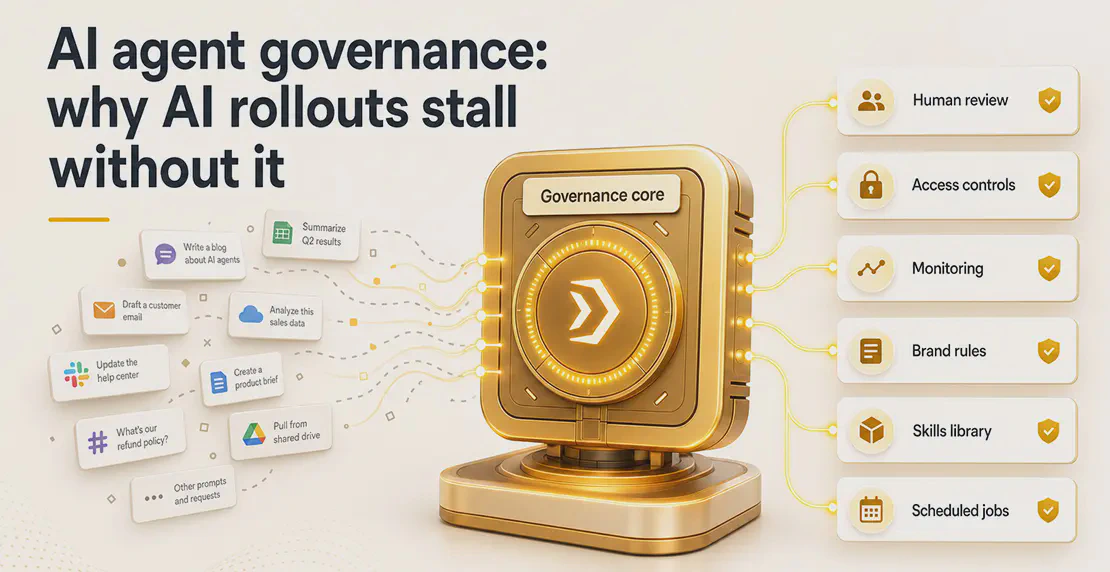 Jono Nourse
Most AI rollouts don't fail because of the technology. They stall because there's no governance layer keeping output consistent as more people and …
Read article