Jono Nourse
- 06 Aug, 2026
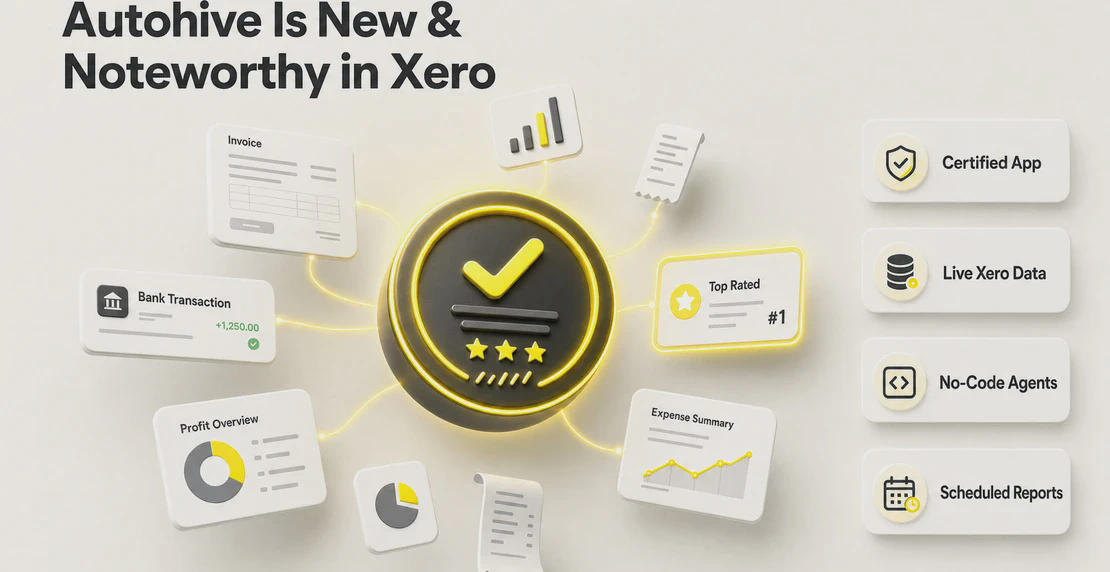
Autohive Is New & Noteworthy in the Xero App Store: What You Can Automate Now
Autohive is now in Xero's New and Noteworthy collection. Here's what's available to automate once your Xero account is connected.
Read article
Jono Nourse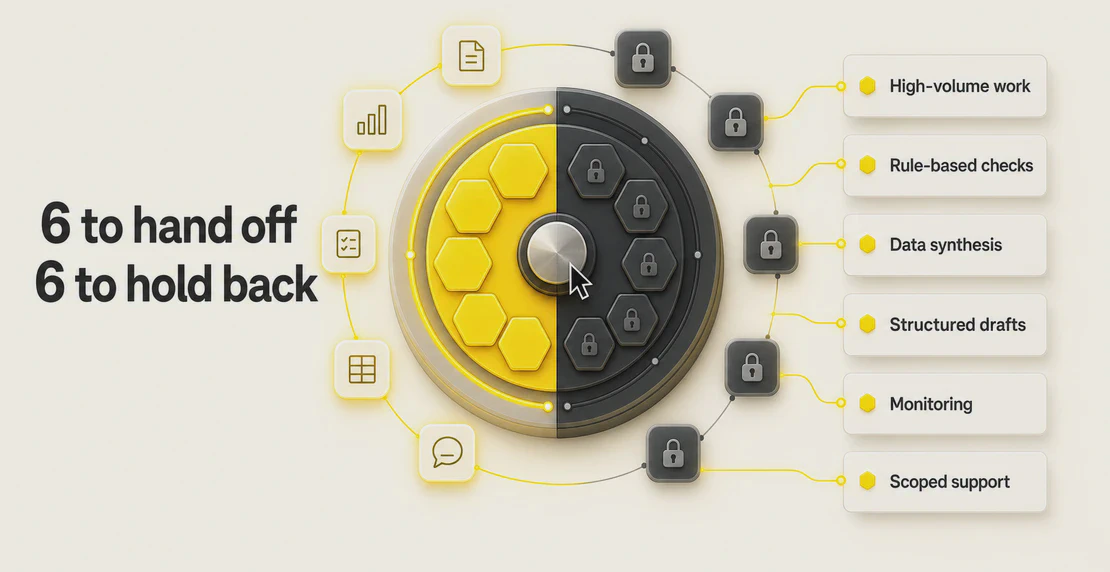
Most teams already know AI can draft an email or summarize a call. The harder question is which parts of your actual work you can hand to an agent and trust it to finish. That decision gets easier once you understand what a business process agent is, what it does well, and where it quietly falls apart.
Our earlier guide, What should I delegate to an AI agent?, gave you the FAIR framework and the acceleration zone for deciding whether a single task is a good fit. This article picks up where that one stops. It looks at the class of agents built to run business processes, the task categories worth delegating, the ones worth protecting, and how to set the whole thing up so it stays under control.
A business process agent is an AI system that can read context, reason through it, plan a sequence of steps, and act across your software and data to complete a defined goal with little step-by-step supervision. You give it a purpose and boundaries. It works out the how.
That definition matters because three older tools get lumped in with it, and none of them behave the same way.
A business process agent sits above all three. It can decide which step comes next, call the right tool, handle a result it wasn’t expecting, and escalate when it hits something outside its remit. MIT Sloan describes this shift toward systems that perceive, reason, and act as the defining feature of agentic AI.
The market is moving quickly in this direction. Gartner research shows 40% of enterprise applications will include task-specific AI agents by 2026, up from less than 5% in 2025. The useful word there is task-specific. The agents that work are scoped to a job, not pointed at your whole company and asked to figure it out.
In Autohive, that scoped agent is a specialized agent: one with a clear purpose, written instructions, defined constraints, access to a specific set of tools, and its own company knowledge. General-purpose agents are handy for open-ended help. A specialized agent is what you build when you want a process run the same way every time. Autohive’s Agent Creator can configure one from a plain-text description in under a minute.
A good delegation candidate has a shape to it. The work repeats, the rules are knowable, the data exists somewhere digital, and a competent-but-not-brilliant result is fine. Six categories fit that shape.
1. Repetitive, rule-bound, high-volume work. Sorting inbound requests, tagging records, moving data between systems, generating the same report on a schedule. These jobs drain hours and reward consistency over judgment. High volume also means the time you save compounds.
2. Rule-based decision trees. Anything you could write down as “if this, then that.” Routing a support ticket by topic, flagging an invoice over a threshold, approving a request that meets set criteria, escalating one that doesn’t. The agent applies the same logic every time without getting tired or distracted.
3. Data processing and synthesis. Pulling numbers from several sources, reconciling them, spotting trends, and turning the result into something readable. Weekly performance rollups, cross-system reconciliation, customer behavior summaries. The agent handles the grind. A person reads the output and decides what to do about it.
4. Structured content generation. First drafts that follow a known format. Meeting notes, proposal outlines, release notes, product descriptions, status updates written from live data. The pattern is fixed, so the agent can fill it reliably and hand you something to refine rather than a blank page.
5. Information retrieval and monitoring. Watching for changes and reporting back. Competitor pricing, regulatory updates, mentions of your brand, shifts in a key metric. This is work that never really finishes and is easy to let slip, which makes it a strong fit for something that runs on a schedule.
6. Scoped customer interactions with a clear exit. Answering common questions, collecting details, handling the first tier of a request, and passing anything unusual to a person. The scope has to be tight and the handoff has to be clean, but within those limits an agent can absorb a lot of routine volume.
The same six shapes show up everywhere. A few concrete examples:
| Function | What the agent runs |
|---|---|
| Sales | Enriches new leads, drafts follow-ups from CRM notes, produces a weekly pipeline summary |
| Marketing | Monitors competitor activity, drafts campaign briefs, assembles a monthly performance report |
| Operations | Routes incoming requests, checks submissions against a rule set, flags exceptions |
| Finance | Reconciles transactions, prepares month-end summaries, chases missing documentation |
| Support | Answers tier-one questions, tags and routes tickets, escalates edge cases to an agent’s human owner |
| Content | Turns source material into structured drafts, repackages long content into shorter formats |
Pipefy has documented similar AI business process automation across operations teams, and Google Cloud maintains a running list of real-world AI agent use cases if you want a wider sample. On the finance side, Autohive’s Xero integration shows what reconciliation and reporting look like once an agent can reach your accounting data directly.
Agents rarely give you a flat-out wrong answer. The real risk is a confident answer applied to a decision that needed a person in the room. Some work should stay with humans. Here’s where to draw that line.
High-stakes decisions where mistakes are hard to undo. If getting it wrong is expensive, irreversible, or damaging, keep a person on the call. An agent can prepare the analysis. It shouldn’t pull the trigger.
Final hiring and performance decisions. An agent can screen, summarize, and organize. Deciding who to hire, promote, or let go carries consequences and accountability that belong to a manager.
Ethical judgment calls. Situations that weigh competing values, fairness, or the human cost of a choice don’t reduce to a rule the agent can follow.
Relationship-critical moments. The hard conversation with a client, the apology that matters, the negotiation where trust is on the line. These are the moments people remember, and they need a person present.
Short tasks where checking the output takes longer than doing it yourself. If a job takes two minutes and reviewing the agent’s version takes five, you’ve added work. Delegation only pays off when the review is cheaper than the doing.
Novel strategic problems with no pattern, no data, and no clear definition of success. Agents work from patterns. When there isn’t one yet, you’re asking for confident guesswork dressed up as analysis.
Two frameworks help you draw the line quickly. Ethan Mollick suggests comparing three things: how long the task takes a person, how likely the AI is to get it right, and how long the AI takes. If a person is fast and the AI is unreliable, don’t bother. Philippa Hardman asks a sharper set of questions: what’s the cost of being wrong, is this pattern-work or judgment-work, and does the task genuinely require a human present? Run a candidate through either one and the weak fits tend to reveal themselves.
Delegation carries a subtler risk too. A study published in Nature found that people were more willing to act dishonestly when they delegated the task to a machine, and that AI systems complied with unethical instructions more readily than humans did. Delegation changes how people behave, not just what gets done. That’s another reason the ethical calls stay with you.
One more rule that saves a lot of pain: don’t automate a broken process. If a workflow is a mess by hand, an agent will run the mess faster and at greater scale. Redesign it first, then delegate the clean version.
Knowing what to delegate is half of it. The other half is how you hand the work over. Autohive gives you three modes, and the right one depends on when the work needs to happen.
When you need something now, you ask an agent in chat. Analyze this spreadsheet, draft this reply, pull these numbers together. It’s the fastest way to delegate a one-off, and it’s how most people start before they know which jobs are worth automating permanently. Once a chat request becomes a habit, that’s your signal it’s ready to graduate to one of the modes below. How to build a custom agent walks through setting one up for this, and Creating Your First Agent goes deeper on model selection, tool connections, and knowledge sources.
Some work should happen whether or not anyone remembers to ask. Scheduled Jobs run an agent on a set cadence and deliver the result. Common ones include:
This mode suits the monitoring and reporting categories especially well, because the value comes from consistency and never missing a cycle. The guides on how to automate jobs and making your agent work for you with scheduling cover the setup.
When a job spans several steps, tools, and decision points, a Workflow chains them together. A trigger kicks things off, one or more agents do their part, integrations move data in and out, and a person can be pulled in at any checkpoint. This is where a real business process lives end to end rather than as a single request. See create a workflow in Autohive to build one, the AI integrations for business processes page for what an agent can connect to across sales, marketing, finance, support, and the rest, and the Model Context Protocol guide if you need to reach tools beyond the native integrations library. For larger jobs, a multi-agent setup lets specialized agents hand work to each other.
Across all three modes, agents can draw on Content Hub knowledge sources, so a process runs against your PDFs, spreadsheets, decks, and documents rather than generic assumptions.
Handing work to an agent without controls is how good automation turns into a liability. Deloitte’s enterprise agentic AI deployment research makes the point plainly: the organizations getting value from agents are the ones treating governance as part of the build, not an afterthought. Berkeley Haas frames it as a principal-agent framework for AI delegation, the same alignment question you’d ask of any employee acting on your behalf: does it have the right authority, and can you check its work?
A few principles carry most of the weight.
Least-privilege access. Give an agent access to exactly what its job needs and nothing more. A reporting agent doesn’t need write access to your CRM. Role-based permissions in Autohive let you scope this per agent.
Human approval checkpoints. For any step with real consequences, require a person to sign off before the agent proceeds. Autohive supports @mention human checkpoints inside workflows, so the agent pauses and waits for a decision at the point that matters. Approvals can also be handled from mobile, which matters when a workflow is paused and the person who needs to act isn’t at a desk. How to collaborate with your team covers setting these up.
Bounded authority. Define what the agent can decide on its own and what it must escalate. The scope is the safety mechanism. A well-bounded agent knows the edge of its remit and stops there.
Audit trails. Keep a record of what the agent did, when, and why. When something goes sideways, you need to reconstruct it. Job management and audit logs give you that history.
Task-specific guardrails. Write constraints into the agent’s instructions that match its actual job, rather than relying on generic safety defaults.
McKinsey’s AI in the workplace research lands on the same theme from the people side: the gains come when employees trust the systems enough to actually use them, and that trust is built on visible controls. Good governance is what makes automation worth trusting, not a cost bolted on afterward. The platform’s security and compliance page documents the architecture that underpins it: zero-knowledge data handling, OAuth-authenticated integrations, SOC 2 attestation, and role-based access throughout.
Deciding what to delegate to a business process agent comes down to a repeatable habit. Find the work that repeats and rewards consistency. Keep the judgment calls, the high-stakes decisions, and the relationships with your people. Set clear boundaries and a way to check the work. Then pick the mode that matches when the work needs to run.
If you want the structured version of that first judgment, go back to the FAIR framework and acceleration zone. It gives you a scoring method for any single task before you commit to automating it. And once you’re building the agents themselves, the ten skills that matter more than the model you pick is a good next read for making them dependable rather than merely impressive.
Start with one clean process. Give it real boundaries. Watch what it does. Then scale from there.

Written by
Jono is the Marketing Operations Lead at Autohive, bridging the gap between commercial strategy and AI-powered execution. With a passion for building systems that scale, he brings structure to complexity and turns marketing activity into measurable …
Jono NourseAutohive is now in Xero's New and Noteworthy collection. Here's what's available to automate once your Xero account is connected.
Read article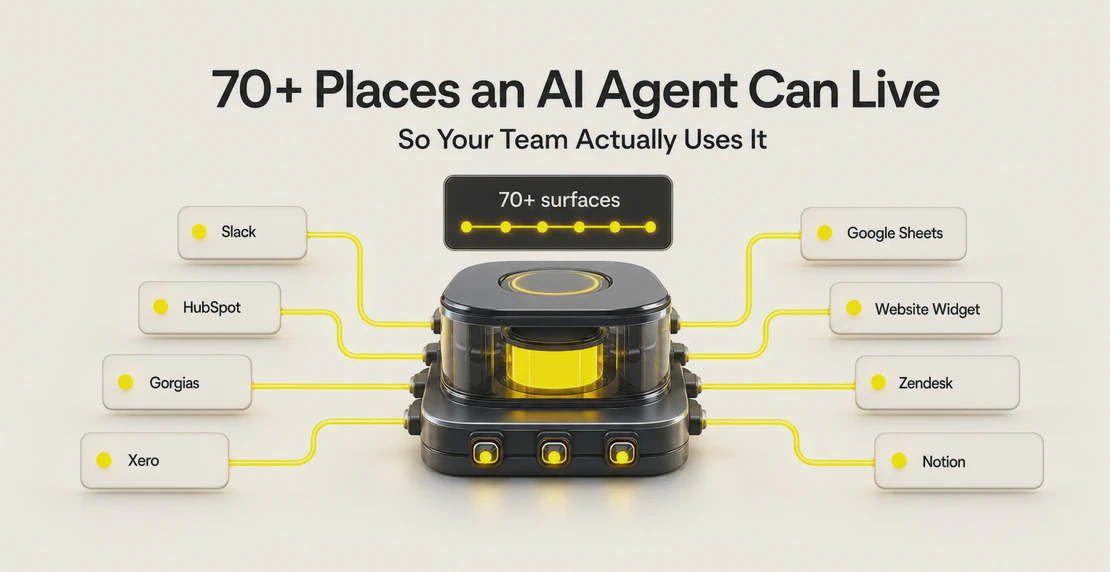 Jono Nourse
Agents built into the tools your team already uses get used consistently, while standalone agents tend to get ignored.
Read article