Most people have had the same small, annoying work problem: you need one file, one note, one piece of context, and it takes longer to find than it should.
That problem adds up. Research shows that 80% of global workers experience information overload. Files pile up. Notes sit in different places. Teams build their own naming habits. Before long, people spend a surprising amount of time looking for work instead of doing it.
Knowledge workers spend roughly 60% of their day on “work about work”, including organising, communicating, checking, and searching.
AI makes the search problem more obvious. Agents can help with useful work, but only when they have the right context. If the source material is hard to find, the output suffers. That is one reason 53% of workers say the information they need is not accessible from their AI tools.
Then comes “botsitting.” Instead of handing work to AI and moving on, people spend time feeding it background, checking its answers, and fixing mistakes. One report found that workers spend an average of 6.4 hours every week doing this.
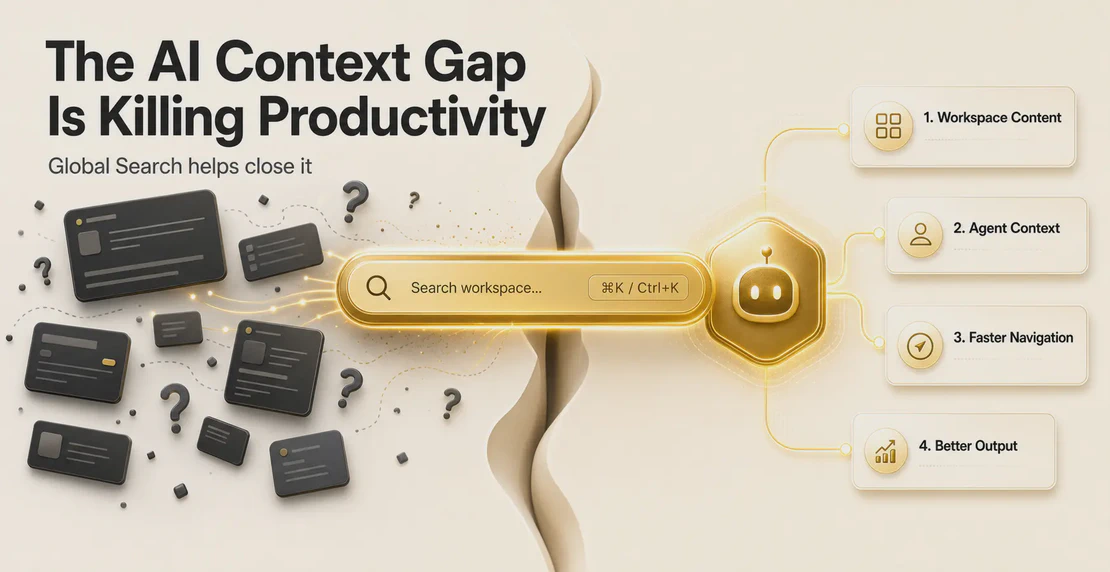
Global Search is now in Autohive
We added Global Search to Autohive to cut down that friction.
As covered in our What’s New this week roundup, Global Search gives you a faster way to find workspace content from anywhere in Autohive.
Press ⌘K on Mac or Ctrl+K on Windows and a central search interface opens inside the app. You do not need to leave the screen you are on. You do not need to click through sections to remember where something lives. Type what you need, scan the results, and get back to the work in front of you.
Keep your train of thought
Small interruptions are rarely small.
Knowledge workers toggle between applications more than 1,200 times per day. Each switch takes a little mental reset. One study found that 9% of total work time is lost to reorienting after switching apps or screens, roughly 200 hours per person each year.
Global Search helps remove some of that drag inside Autohive. Instead of clicking around to find a piece of workspace content, you can search from where you are.
As our product team put it:
“Finding what you need in Autohive should feel quick, wherever you are in the app.”
That is the point. Less hunting. Fewer clicks. More time spent on the work you came to do.
Closing the AI context gap
Global Search is a practical feature, but it sits inside a much bigger problem.
The enterprise search market is valued at $7.47 billion and is projected to reach $11.66 billion by 2031, with 9.31% annual growth. Businesses are spending heavily because internal information is still too hard to find.
For AI work, that problem matters even more.
Context is the missing discipline in enterprise AI. An agent can only work with the information it has. If you are asking an agent to draft a client proposal, it may need the previous proposal, current pricing, intake notes, and relevant background. If you spend 1.8 to 2.5 hours per day searching for information, AI starts to feel less like help and more like another thing to manage.
Better search changes that. Improved internal search and knowledge sharing can reduce information-hunting time by up to 35%.
Global Search helps by making workspace content easier to reach inside Autohive. When the right context is close at hand, it is easier to give your agents better input. Better input means better work back.
If your workspace content is growing, our guide on managing your content is a useful place to start.
Better context means better output
Agents produce better work when the supporting information is easy to find and use.
AI grounded in proper enterprise context is less likely to invent details, miss instructions, or require heavy correction. That saves time at the review stage.
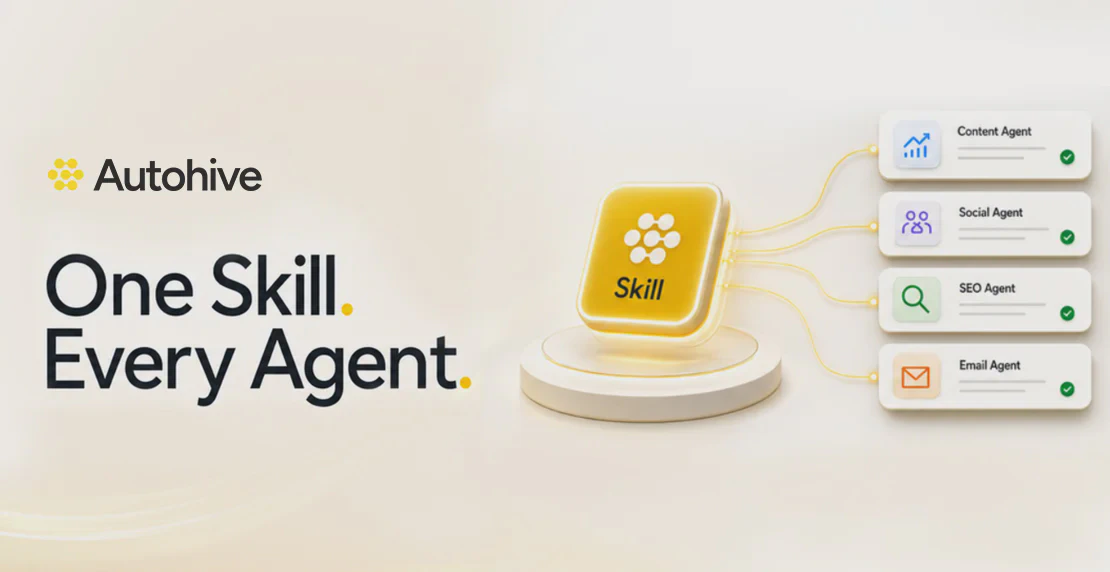
This also connects with Autohive Skills. Skills help keep agent output consistent by giving agents reusable instructions and patterns. If you want to see how that works, read how Autohive skills create consistent AI output.
Search helps you find the right context. Skills help agents use instructions in a consistent way. Together, they make AI work less dependent on memory, guesswork, and repeated prompting.
How to use Global Search during the day
The best use of Global Search is simple.
When you are working in Autohive and realise you need something from your workspace, press ⌘K or Ctrl+K. Search from where you are. Pick the result you need. Keep going.
It is especially useful in shared workspaces. Different people organise work in different ways. Global Search gives the team a shared shortcut for finding workspace content without needing to know exactly where someone put it.
As our product team said:
“It’s a practical shortcut for cutting down clicks and getting back to the thing you came to do.”
If your team is building shared habits in Autohive, our guide on how to collaborate with your team on Autohive pairs well with Global Search.
Stop searching, start doing
AI work depends on context. The faster you can find that context, the faster you can move.
Effective AI search for knowledge workers is about closing the gap between having information somewhere and being able to use it when it matters.
Global Search brings that idea into Autohive. Your workspace content is closer, your agents are easier to brief, and your work is less likely to stall while you search.
Try it today with ⌘K on Mac or Ctrl+K on Windows.
If you are new to Autohive, start with the Quickstart Guide or walk through creating your first agent.

Jono Nourse