Zheng Li
- 09 Jun, 2025
What should I delegate to an AI agent?
Learn how to systematically evaluate your daily tasks and discover which ones you can delegate to AI agents for maximum productivity gains through …
Read article Jono Nourse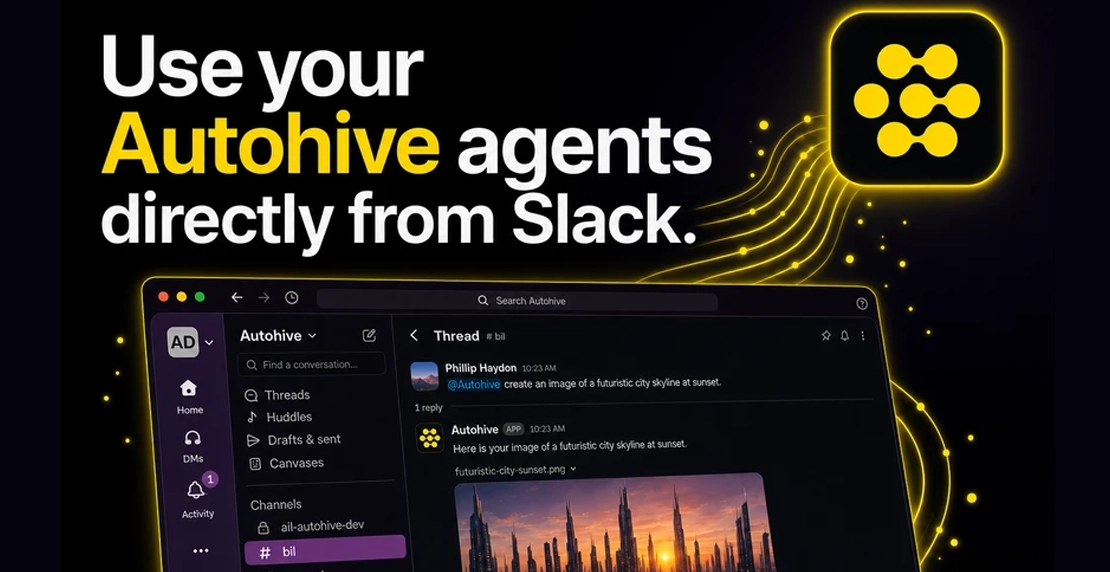
Most AI tools still ask people to leave the place where work is happening.
Open another tab. Copy the context across. Write a prompt. Get a response. Carry the output back to the team. That loop was fine when AI was still something people tested on the side. It makes less sense now that teams are using AI for real work, and that work is already being discussed, shaped, and decided inside Slack.
Autohive agents are now available in Slack. Mention Autohive in a channel or thread and the agent replies in-thread, with the conversation already loaded as context. Less copying. Less rebuilding. Less work disappearing into private tabs.
This is a small change in where the agent appears. It is a bigger change in how teams can use agents together.
Slack has become more than a place to talk. It is where teams coordinate the work around the work.
The numbers tell the story. Slack has more than 2,600 apps available and over 550,000 custom integrations used daily. That level of connection reflects how teams actually operate now. The CRM sits somewhere else. The docs sit somewhere else. The project board sits somewhere else. But the questions, handoffs, blockers, clarifications, quick calls, and decisions often converge in Slack.
Slack has also been clear about where it sees this going. In its own writing on AI and conversations at work, Slack frames conversation as the context layer for AI agents: the place where people, data, systems, and agents can come together in one workspace.
That framing matters because AI adoption has moved fast. The Slack Workforce Index, published in June 2025, found that 60% of desk workers now use AI at work, and daily AI use is 233% higher than it was in November 2024. Forty percent of desk workers have used an AI agent chatbot. Twenty-three percent have already directed an agent to complete work on their behalf.
The same research found that people using AI daily report 64% higher productivity, 81% greater job satisfaction, and a 68% greater likelihood of reporting very good work-life balance. Salesforce’s release on the same research found daily AI users are 246% more likely to feel more connected to colleagues and report a 62% higher sense of belonging at work.
That last point is the one to watch. AI is not only changing output. It is starting to change how people experience work with their teams.
Agents are only useful when they understand what is going on.
A Slack thread holds context that rarely survives the trip into a separate prompt box. The original question. The clarification three replies later. The attached file. The screenshot. The decision someone made, then revised. The side comment that changes the whole task.
When someone has to copy that into another tool, the agent gets a partial version of the situation. The answer reflects that. Sometimes it is good enough. Often it misses the point because the point was buried in the conversation.
An agent that works inside Slack starts from a better place. The thread is already there. The file is already there. The people who need the answer are already there.
That changes the job from “go ask the AI tool” to “bring the agent into this conversation.”
Autohive now connects directly to Slack through Chat Channels inside your Autohive workspace.
Once connected, you can map a public Slack channel to a specific Autohive agent. At launch, it is one public Slack channel to one agent. That keeps the first version simple and predictable.
From there, mention Autohive in a channel or thread. The agent replies in-thread, using the existing messages as context. You do not have to explain the background again or paste in a recap before it can help.
Files and images can move both ways. Share a file in Slack and ask the agent to work with it. If the agent creates a file or image in response, it can return that result back into the Slack thread where the team can see it.
Conversation history is also visible later inside Autohive. If someone needs to review the work outside Slack, the thread does not vanish once the chat scrolls past.
Public channels are the starting point on purpose. Agent work should be visible when the work is shared. A public thread lets the team see what was asked, what the agent returned, and what changed after that. It makes agent use something people can learn from together, rather than a private shortcut hidden in DMs.
There is a big difference between an AI tool that sends a Slack notification and an agent that can work inside Slack.
A notification tells you something happened somewhere else.
An agent inside Slack can read the thread, understand the attached context, respond where the question was asked, and return useful output to the people already involved.
That difference sounds small until you look at how teams actually work. A product manager asks for a summary of customer feedback. A support lead drops in a screenshot and asks what to do next. A founder asks for a draft reply based on the conversation above. A team shares a document and wants the key actions pulled out.
Those requests often start in Slack because Slack is where the team is already talking. Autohive now lets the agent meet them there.
The first benefit is speed. The team no longer has to choose between staying in Slack and using the agent. The request can happen inside the thread where the need appeared.
The second benefit is visibility. When an agent replies in a public channel, the work is open. Others can question it, build on it, correct it, or reuse the output. That is different from AI work scattered across individual browser tabs, where nobody else can see what was asked or how the answer was produced.
The third benefit is better habits. Teams learn what their agents can do by watching them work in real conversations. They see the strong responses. They see the gaps. They learn which requests get good results and which need a better brief. That feedback loop moves faster when it happens in the open.
This is where agents become part of team workflow rather than another tool someone has to remember to open.
Autohive’s Slack integration is live with support for:
To get started, visit Chat Channels in Autohive and follow the setup flow.
If you do not have an agent yet, you can create your first agent, build a custom agent, or browse the Autohive Marketplace for a pre-built option. If you are setting this up for a team, the team collaboration guide covers how to share agents and manage access across your workspace.
You can also explore the full list of Autohive integrations to see what else your agents can connect to.
Slack is the first channel. Workspace-level routing across multiple agents is on the roadmap, along with Discord and Microsoft Teams support.
The direction is simple: agents should be available where the team already works. Not as another destination. Not as another tab. As part of the conversation where the work is already taking shape.
The context your team needs is already in Slack. Now your agents can be there too.

Written by
Jono is the Marketing Operations Lead at Autohive, bridging the gap between commercial strategy and AI-powered execution. With a passion for building systems that scale, he brings structure to complexity and turns marketing activity into measurable …
Zheng LiLearn how to systematically evaluate your daily tasks and discover which ones you can delegate to AI agents for maximum productivity gains through …
Read article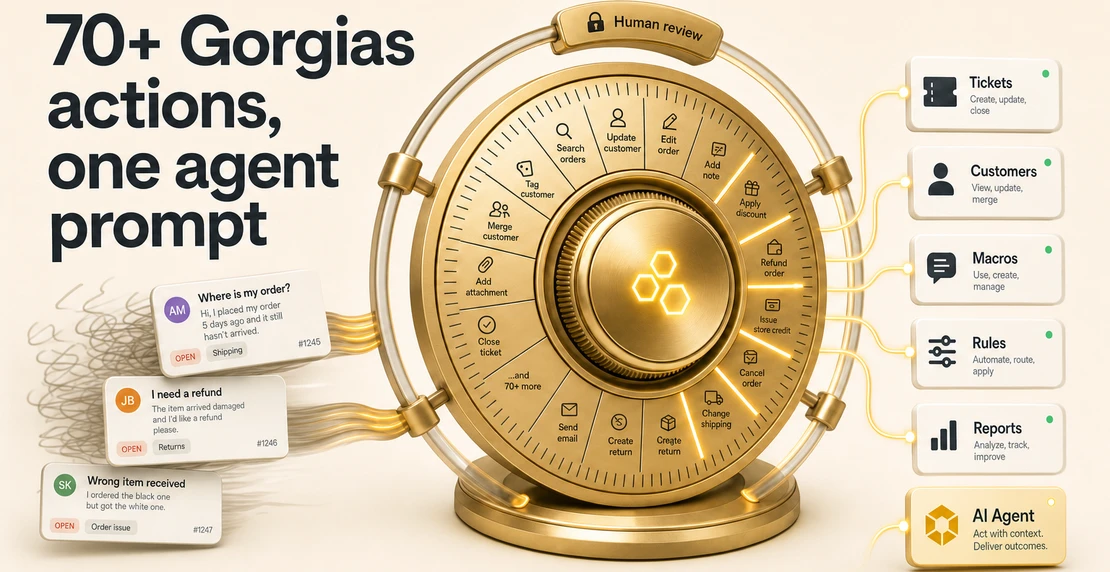 Jono Nourse
The Gorgias integration gives Autohive agents access to tickets, macros, reporting, and Gorgias’s own AI Agent, while keeping every write action gated …
Read article