When we started building Autohive, our goal was to create a truly collaborative platform. We wanted to make it easy for teams to work together, share knowledge, and jump into projects without missing a beat. A key part of that vision is open communication.
To better align with that goal, we’re making a change to how conversations are displayed within your workspaces.
What’s changing?
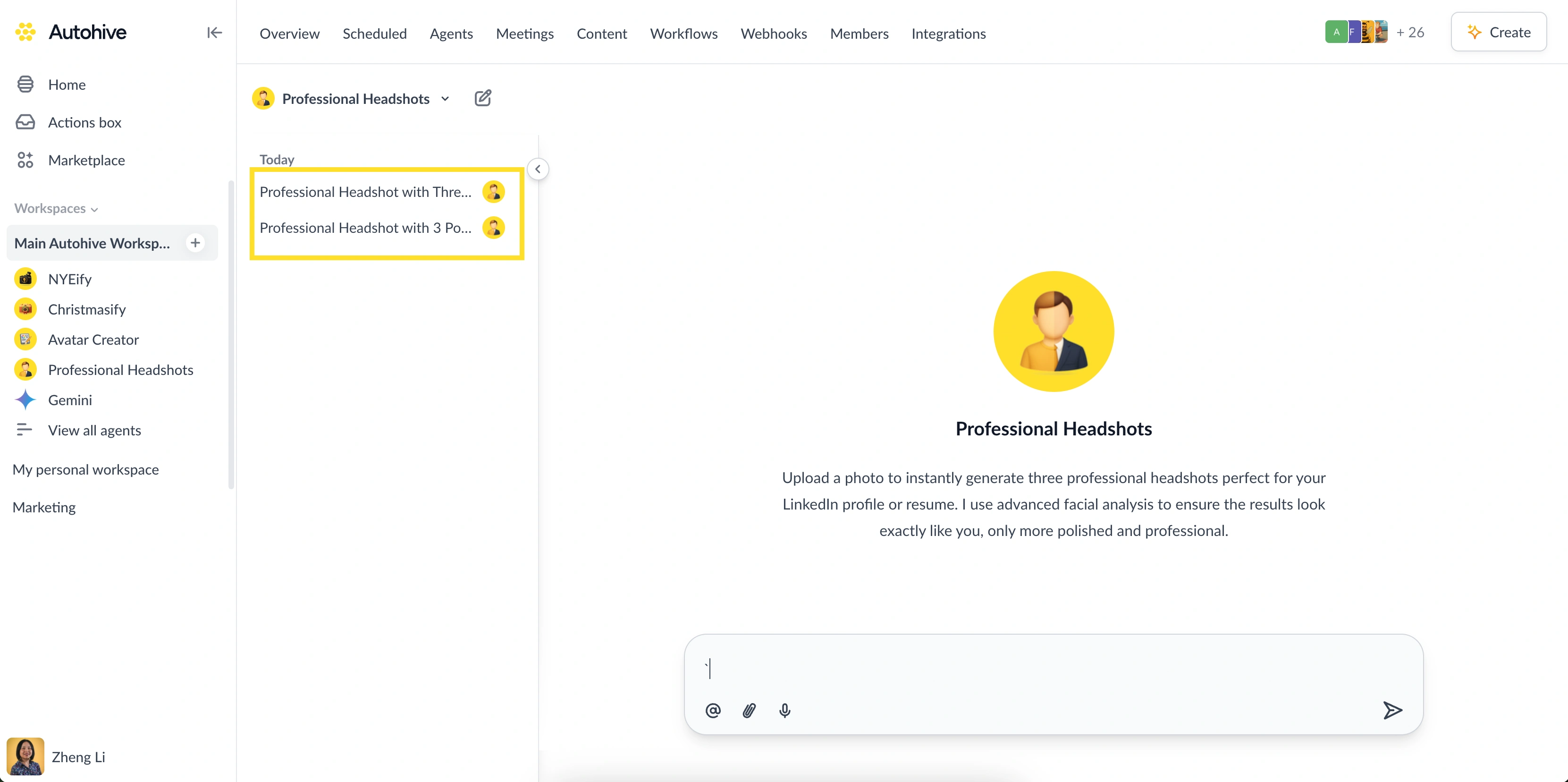
Until now, you could only see conversations in a workspace that you directly participated in (or are tagged by a teammate):
Going forward, all members of a workspace will be able to see all conversations within that space.
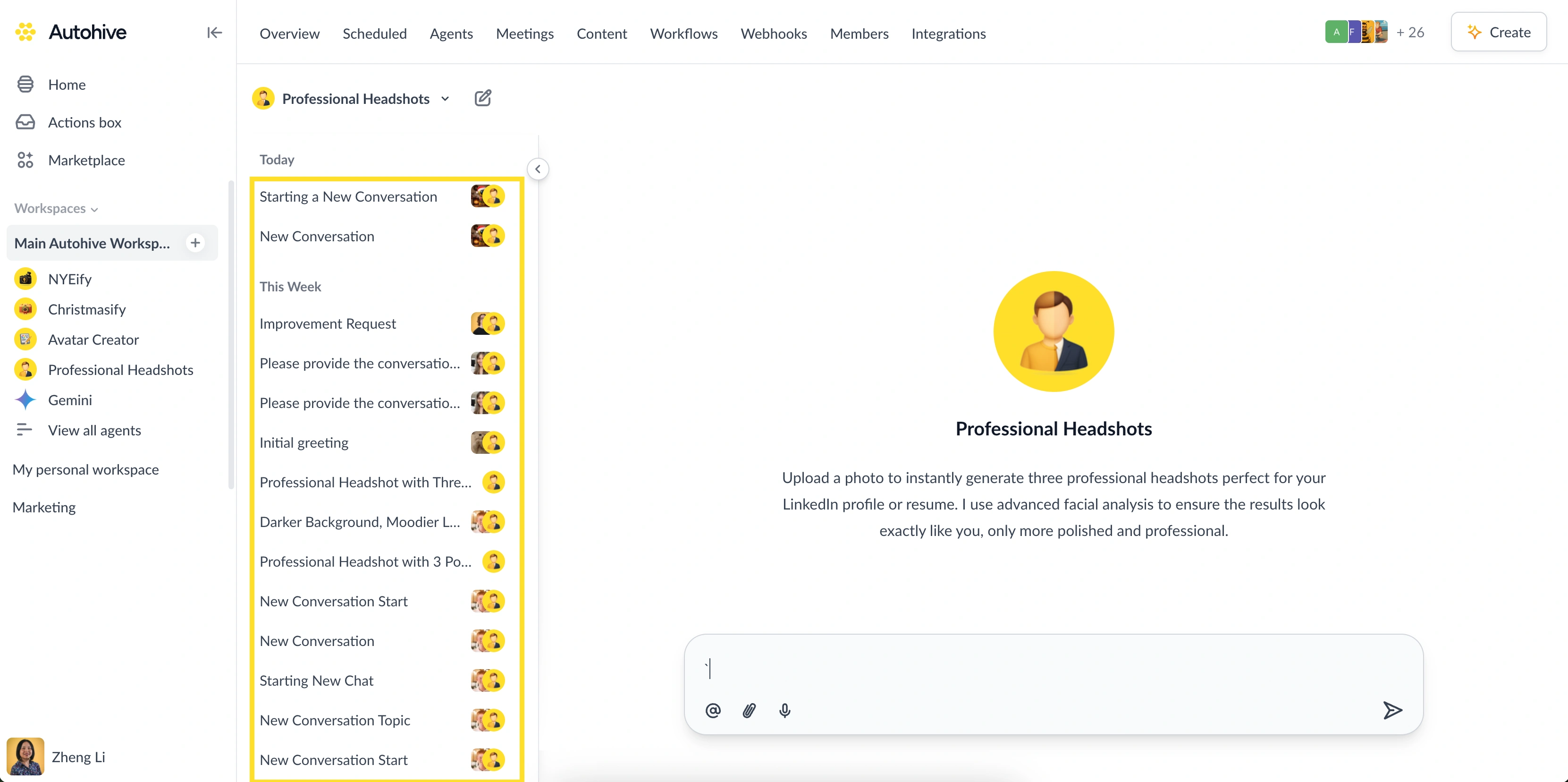
This change makes it easier for everyone on your team to stay informed, get context on projects, and contribute where they’re needed most. It removes information silos and unlocks the full collaborative power of your team.
For all users who signed up recently, this has already been the default setting. To ensure a consistent experience for everyone, we will be rolling this out to all existing accounts.
Keeping conversations private when you need to
We understand that not every conversation needs to be open to the whole team. You still have full control over privacy when you need it:
My personal workspace: This space remains completely private to you. It’s the perfect place for drafting, brainstorming, and working on solo tasks.
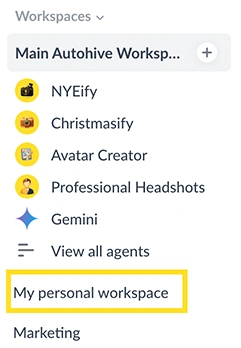
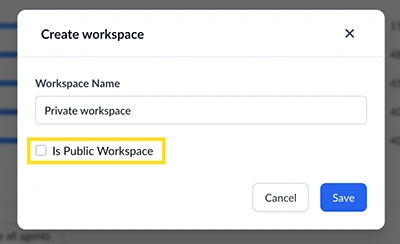
Private workspaces: You can create a new, separate workspace and invite only specific people. This is ideal for sensitive projects or discussions that are limited to a smaller group.
When will this happen?
To give everyone time to adjust and to be mindful of the holiday season, we will be making this the standard for all users in early January 2026.
We’re excited about this update and believe it will help teams work together more effectively. If you have any questions, please don’t hesitate to reach out to our support team.
Keeping Buzzing!


Jono Nourse