Sources checked 29 October 2026
Autohive publishes this post and sells one of the three tools discussed.
If you run a small team in New Zealand on Zapier, you can look at Zapier alternatives without pulling anything out. Zapier has AI steps of its own, so wanting AI alone is not always a reason to leave. If a job needs AI and your plan includes those steps, it can be worth testing one on sample data first. A better reason to look is a specific job that no longer fits. This post gives you a worksheet to sort each Zap into keep, review candidate, or retire.
Some Zaps are fine as they are. Others deserve a second look. The worksheet helps you tell the difference, and the steps after it cover how to test, switch, and roll back without sending anything twice.
Is Zapier still relevant?
Yes. Zapier is still developing its product, and it now has AI features of its own. According to Zapier’s own post from October 6, 2026, the AI by Zapier step offers AI tool calling and reasoning, with approval you can set for each tool.
Zapier has also published a migration guide for moving from Agents to AI by Zapier. It says Zapier has not set a date to turn off Agents and will email affected users before any change.
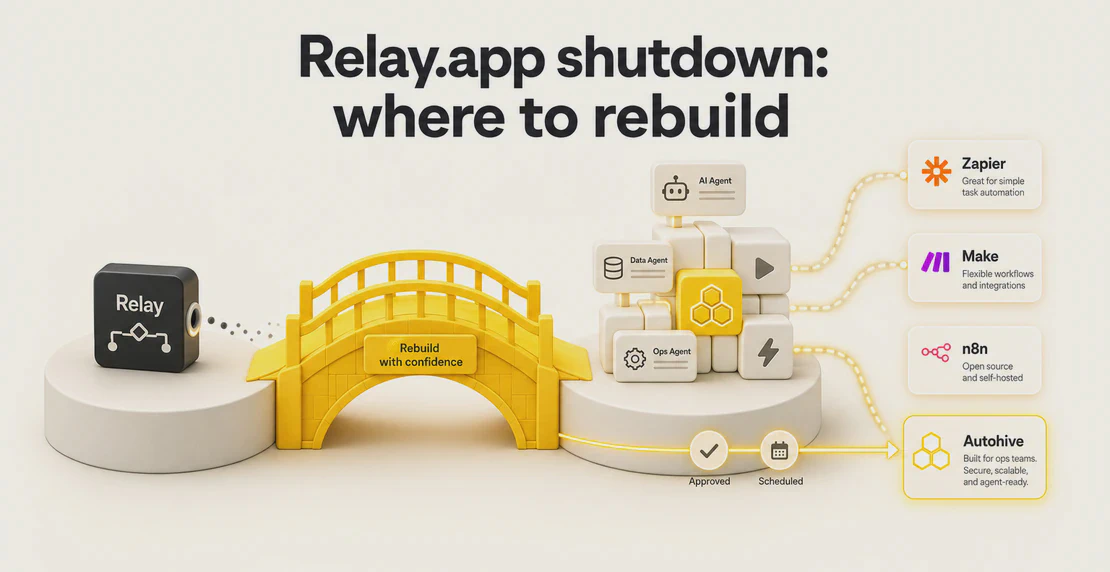
If you came here after reading about the Relay shutdown, there is a separate guide on what transfers and where to rebuild. This post is for teams whose Zapier setup is working and who want to weigh their options.
Is n8n better than Zapier?
It depends on the job. Billing is one factor. n8n’s pricing page counts one full workflow run as one execution, while Zapier counts successful action steps as tasks. Connector fit, trigger fit, and who will maintain the workflow also matter. n8n Cloud is available, and self-hosting is optional.
If you do want to self-host, the n8n hosting docs list the ways to install and run it, and what each one asks you to manage. If you stay on n8n Cloud, you host nothing yourself.
Know what each system counts
These three systems do not count work the same way. A job that looks small in one unit can look different in another. One step is not always one task, and the numbers do not line up.
| System | What the meter counts | Worth knowing |
|---|
| Zapier | Successful action steps, called tasks | Zapier lists a rate for each type of step. Your price depends on your task tier and billing cycle. |
| n8n | Whole workflow executions | One run of a workflow is one execution, whatever the number of steps inside it. |
| Autohive | Credits used by agents and tools | Credits are their own unit. Autohive’s docs give no conversion to tasks or executions. |
For the Zapier detail, see how it defines a task and its task rates by step. Zapier’s pricing depends on the task tier you pick and your billing cycle. For Autohive, the billing page covers plans and credits.
Because the units do not map onto each other, a price per unit tells you little. Do not estimate your cost by swapping one unit for another. Measure actual usage in a pilot, in each system’s own unit, and compare those numbers.
Where Autohive fits
Autohive is a no-code AI agent builder. An agent can draft or check work, and a person can review it before acting on it.
Agents can run on a schedule through scheduled jobs, or start from an inbound HTTP POST through webhooks. A webhook URL is a secret. Anyone who holds it can start the agent, so protect it. Workflows let you set any step after the trigger to need manual approval.
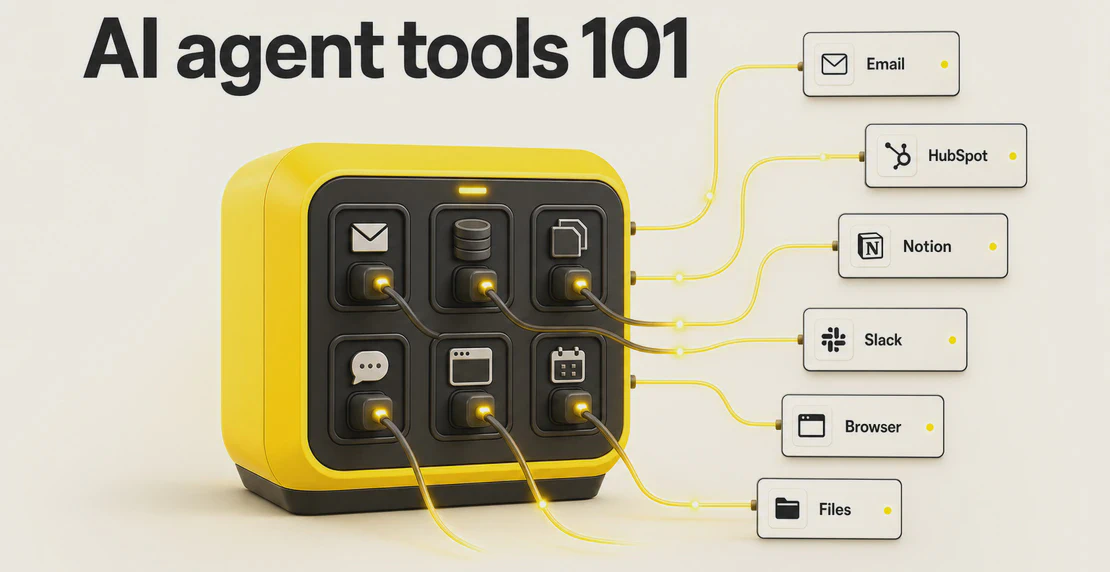
For background, see AI agent tools 101 and no-code AI development.
We have not tested direct Zapier compatibility. Nothing here promises a one-click import, matching triggers, or any other interoperability. If you move a job, you rebuild it and check each piece.
Signals that a Zap deserves a second look
Some jobs hint that a different setup might fit better. Watch for these four signals:
- The job needs free-text decisions, such as reading a message and deciding what it means.
- The job needs a person to approve something before it goes out.
- The job produces a scheduled summary that someone has to write or check.
- The person who built the Zap has left, and nobody maintains it.
A signal is a prompt to review the job, nothing more. The sections below cover how to test the fit before you switch.
The worksheet: keep, review, or retire
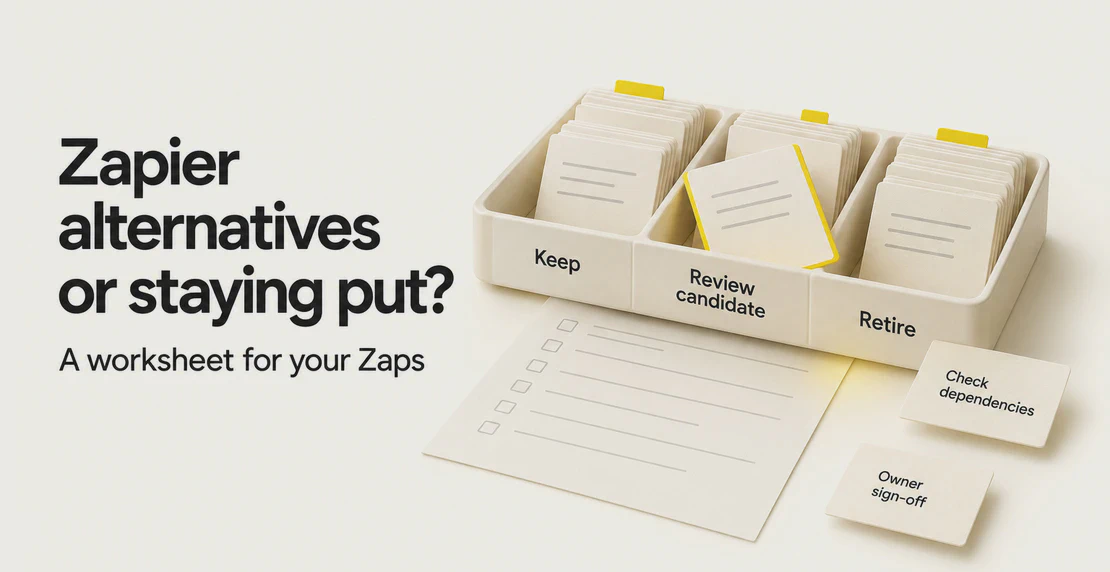
Copy this table and fill in one row per Zap. Put each job in one bucket: keep, review candidate, or retire.
A Zapier alternative has to fit your own work better than your current setup before a job moves. A review candidate is a job worth a closer look. If the job needs AI and your plan includes it, you could start inside Zapier and test the AI by Zapier step on sample data, with a person approving the output before anything goes out. Apply the pilot rules below to that test too. If that step suits the job, you may not need to move it. If it does not fit, or the connector or trigger you need is not supported, you can pilot another tool on sample data instead. Move a job only after a pilot shows it fits.
| Workload | Where it starts | Owner | Signals present | What depends on it | Approval point | Monthly volume | Billing unit | Bucket | Review date |
|---|
| | | | | | | | | |
Here are two examples. Both are made up, and both are written as prose rather than filled rows.
Example one: a Zap watches a shared inbox for stock queries. It copies the product, quantity, and sender fields into a team channel post, using fixed labels for each field. It does no summarising and no guessing. None of the four signals apply, so the owner marks it keep and sets a review date.
Example two: a Zap reads supplier price emails and tries to work out which ones need a price update. It keeps missing edge cases, and reading free text is one of the signals. The owner marks it review candidate and, if the plan includes AI steps, first tries the AI by Zapier step on sample data in a copy of the Zap, with approval. If it still misses too much, the owner plans a pilot elsewhere.
Retiring a Zap safely
Nobody noticing is not a reason to retire a Zap. Work through these steps in order:
- Get the owner’s consent, and check what depends on the Zap. That includes reports, other Zaps, and records that something else reads. Do this before you pause anything.
- Inspect the run history for delayed, held, or failed runs.
- Read Zapier’s docs on pausing and resuming, and confirm how a pause treats those runs. Do not assume.
- Pause the Zap.
- Watch for a full business cycle that is relevant to the job, such as a month-end close or a seasonal rush. Some jobs run once a quarter or once a year, so a short quiet spell proves little.
- Get explicit sign-off from the owner before you delete it.
Pausing is not retiring. The Zap stays intact until the last step is done.
Check six things before moving a job
Walk each review candidate through these six checks:
- Connector: does the new system have the connector you need, with the actions you need on it?
- Trigger: does the start event fire the way the job needs?
- Output: does the result come out in the shape the next step expects?
- Support: who helps if it breaks?
- Cost: what does the job use in the new system’s own unit?
- Risk: what happens if it runs wrong?
Some answers will be unknown. Write down what you know and what you do not. Resolve every unknown before the job moves. A quick yes is not proof. Confirm connectors and actions in the docs instead of assuming.
Run a pilot
Pick a review candidate that is appropriate to test, and build a small, draft-only version in the new system using your own sample data. Set it up so it cannot cause harm or duplicates:
- Give it a copy of the source data, or read-only access.
- Allow no live actions. That means no sends, no writes to live records, and no changes in other systems.
- Send its output to an isolated place that only the pilot team can see, such as a private folder or a test channel.
The existing Zap keeps doing the real work, and the pilot only drafts. Nothing goes out twice.
Example (made up): an agent reads a copy of incoming quote requests and drafts replies into a private folder. Nobody sends them. A staff member compares each draft with the reply that actually went out.
Run the pilot long enough to see a normal mix of work. Track when it succeeds, when it fails, and whether the approval step catches bad drafts. Compare the review effort with the old way, and record actual usage in the new system’s unit. If the drafts need heavy editing, the job is not ready. If they hold up, you have evidence from your own work.
Cut over without overlap
Never switch the old and new versions at the same instant. Start the cutover only when the pilot held up, the six checks are resolved, and the owner has agreed. Do it in steps:
- Pick a quiet window, and keep a time log of each step.
- Check how delayed, held, or failed runs are handled, using Zapier’s docs.
- Pause the old Zap, then switch the draft to live, keeping approval on.
- Reconcile the gap by hand. Look for duplicates and missed events from the window.
- Leave the old Zap intact for a full relevant business cycle.
If you need to roll back, pause the new version first. Re-enable the old Zap only after you have dealt with anything pending, so nothing runs twice. Once the cycle ends and the owner signs off, retire the old Zap using the steps above.
Set a review date
Put a review date next to every job you leave alone. A contract renewal, a change in volume, or a new owner can change the answer. Write the date in the worksheet and come back to it.

Jono Nourse